33D-Link ShareCenter DNS-320L User Manual
Section 3 - Installation
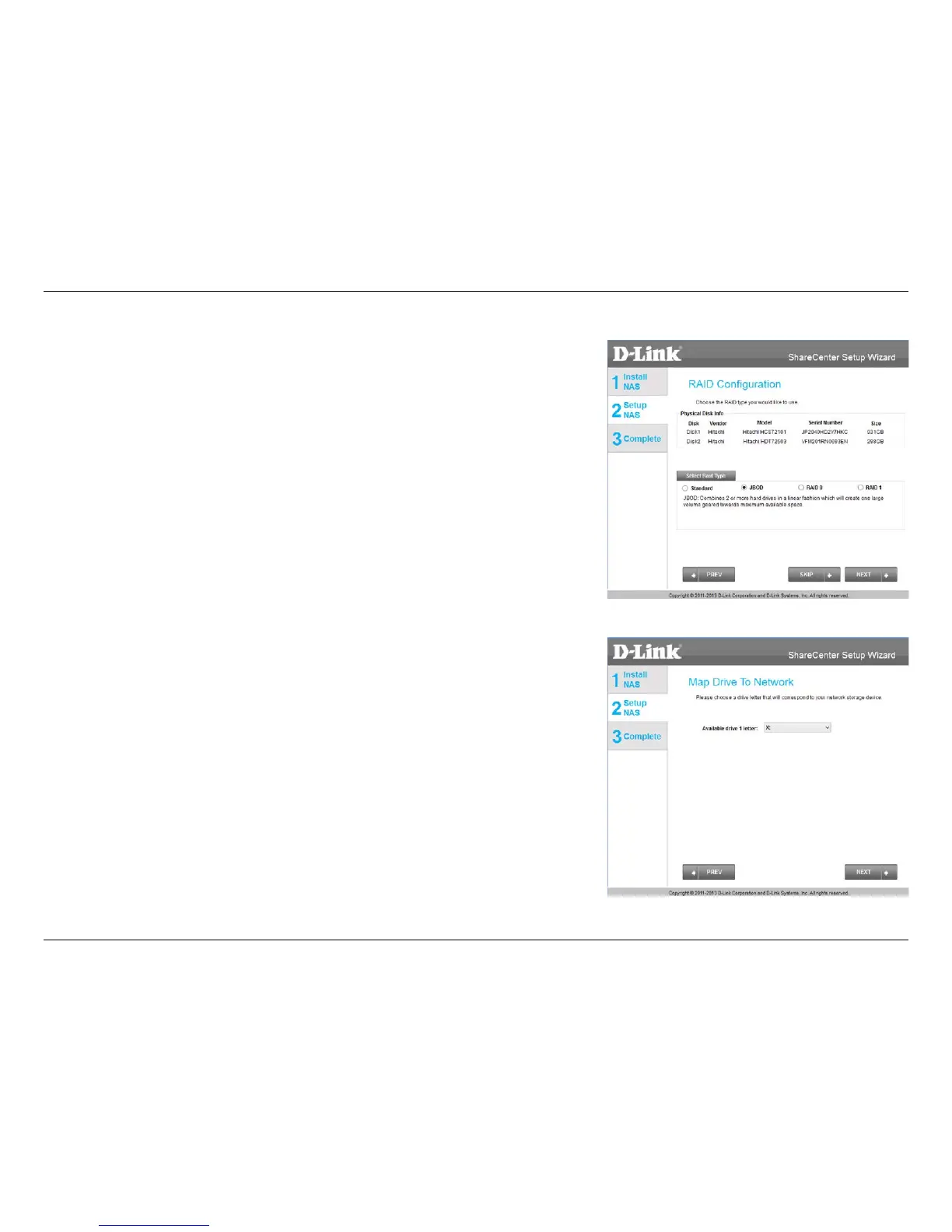
Under RAID Conguration, Select RAID Type, choose JBOD. Read the JBOD
RAID conguration requirements.
Click Next to continue.
Under JBOD more than one disk is classied as a complete volume, so when
mapping a drive, only one drive letter is needed. Map Drive to Network only
shows one drive. Select a drive letter using the drop-down menu. For further
information, please refer to Mapping a Drive on page 48.
Click Next to continue.
JBOD















 To Next Page