327D-Link ShareCenter DNS-320L User Manual
Section 4 - Conguration
Time Machine
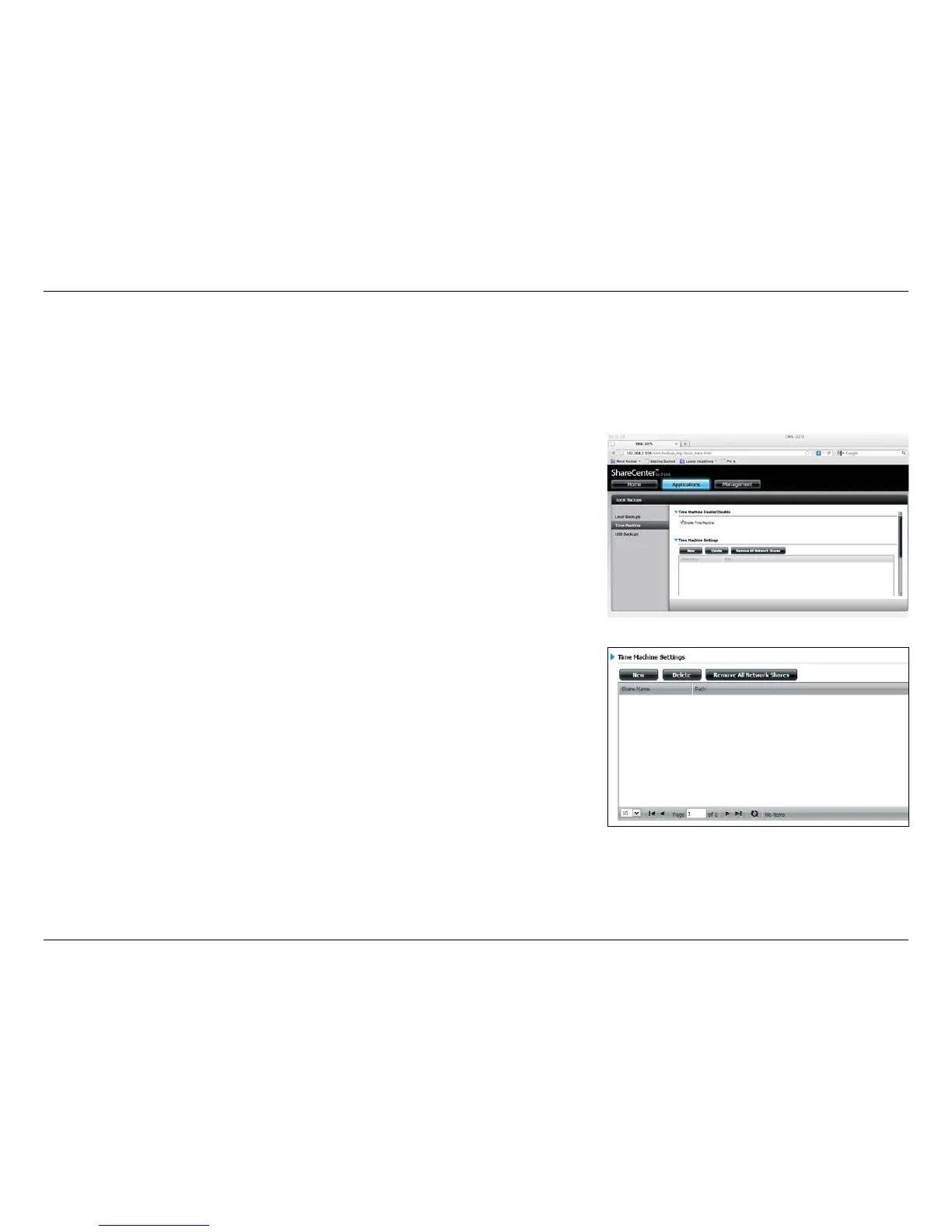
This section allows the user to congure the ShareCenter so that it becomes a backup destination for the Mac OS® X Time
Machine. In order to use this function, the AFP service is required. The AFP service will start automatically as soon as this
function is enabled.
Enable Time
Machine:
Time Machine
Settings list:
New:
Delete:
Remove all
Network
Shares:
Click this to enable the Time Machine function to work
with a Mac OS® X Time Machine. The Time Machine settings
list will appear when this box is checked.
A list of destination folders on the Network Shares associ-
ated with the Time Machine backup.
Starts the setup wizard to add a new NAS folder as a Time
Machine destination.
Deletes a NAS folder setup as a Time Machine destination.
Delete all the NAS folders in the list congured as Time
Machine destinations.















 To Next Page