270D-Link ShareCenter DNS-320L User Manual
Section 4 - Conguration
Patrol Settings are dependent upon the capabilities of the camera you are using. Please check that the Surveillance Center is
compatible with your D-Link PTZ camera
1
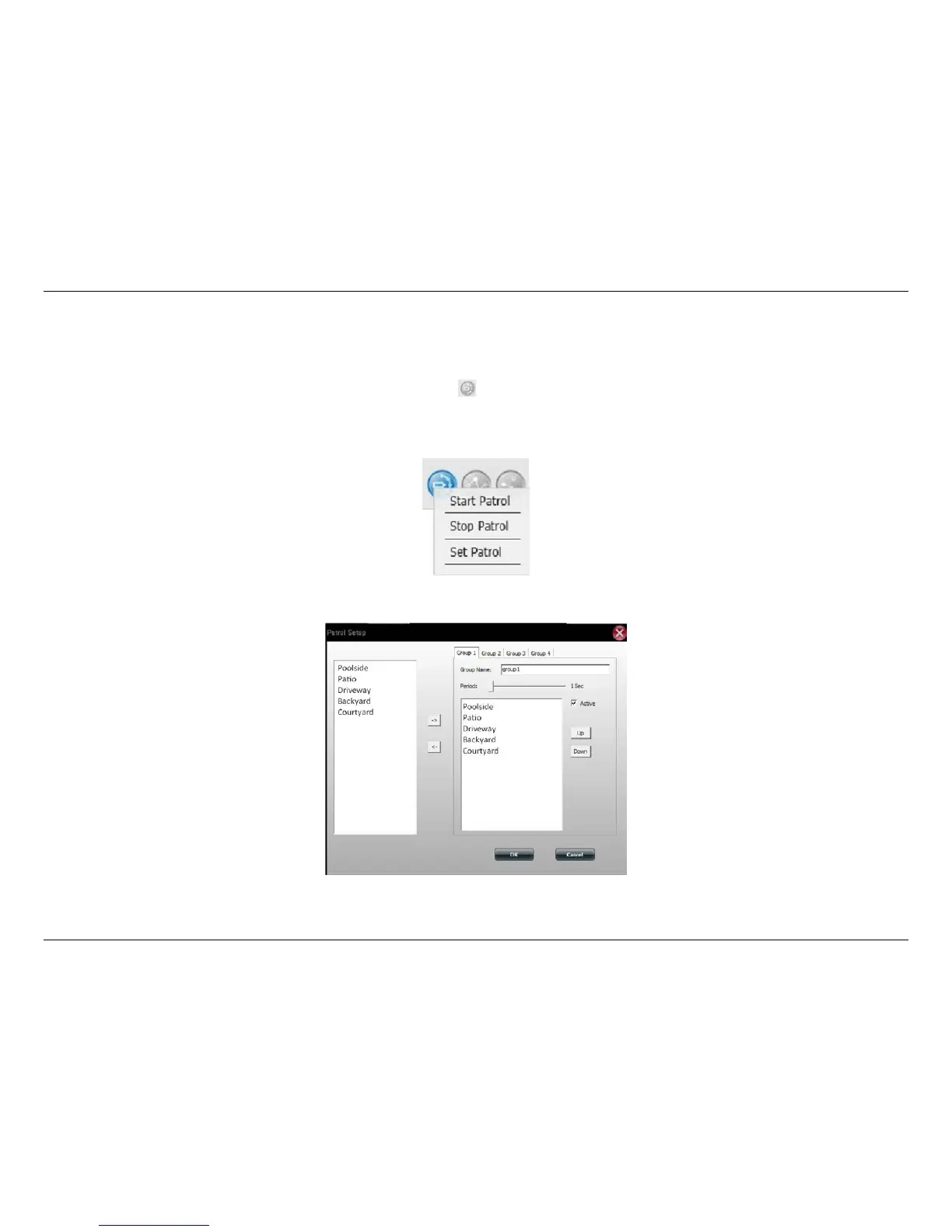
. Click the Patrol icon to congure the Patrol settings. Scroll down and click
Set Patrol. The Patrol Setup window will pop up.
My Surveillance - Conguring Patrol Settings
1
Please check your local D-Link support site for an updated list of camera models which support the Patrol function.















 To Next Page