301D-Link ShareCenter DNS-320L User Manual
Section 4 - Conguration
NOTIFICATION TYPE DESCRIPTION
Add New Camera Noties you when a new camera is connected.
Delete Camera Noties you when a camera is deleted from the connected cameras.
Connection Loss Noties you when there is a network error.
Resumed Connection Noties you when the network comes back online.
Failed Recording Noties you when there has been an error in the recording.
Motion Detection Noties you when motion detection has started or ended.
Digital Input/Output
When an event is triggered from the D/I port of the camera, the D/O port of the camera will begin sending a sig-
nal to My Surveillance. My Surveillance will then notify you accordingly.
Archived Limit Reached Noties you when your history (archive) material has reached or exceeded the disk space allocated to it.
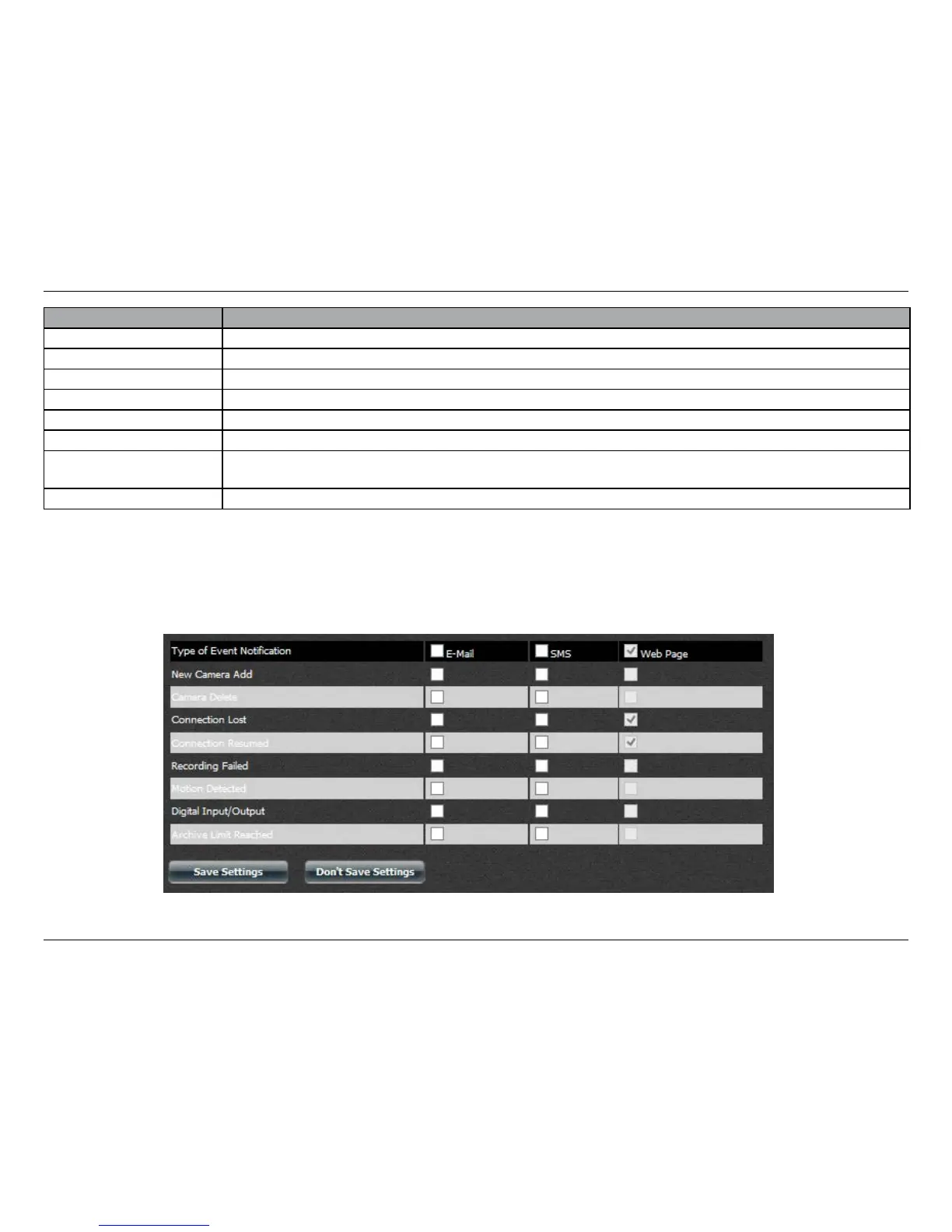
Use the checkboxes to select whether you would like each event type notication to be sent by E-mail, SMS, or Web Page.
You can select more than one notication method for each event type.
Click Save Settings to nish.















 To Next Page