344D-Link ShareCenter DNS-320L User Manual
Section 4 - Conguration
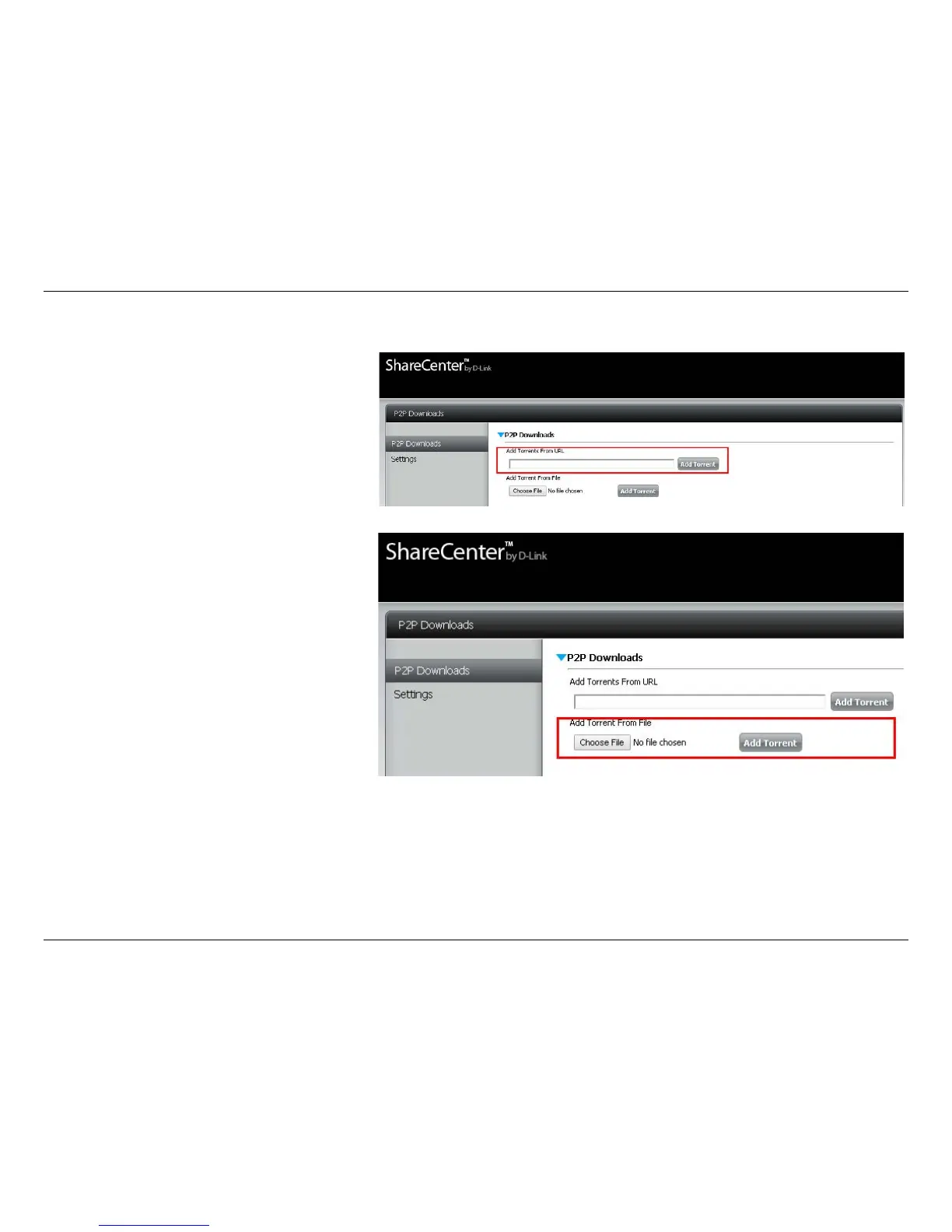
The P2P Downloads screen gives you access to the following settings:
Add Torrents from URL:
In the eld provided you can copy and paste
a link to a torrent le hosted on the Internet.
When you click Add Torrent, the P2P download
manager will add the torrent le to the down-
load manager and begin downloading your
les.
Add Torrents from File:
Browse for a torrent le you have downloaded
onto your PC.
Click Choose File, select the le you wish to
upload, and click Add Torrent.















 To Next Page