41D-Link ShareCenter DNS-320L User Manual
Section 3 - Installation
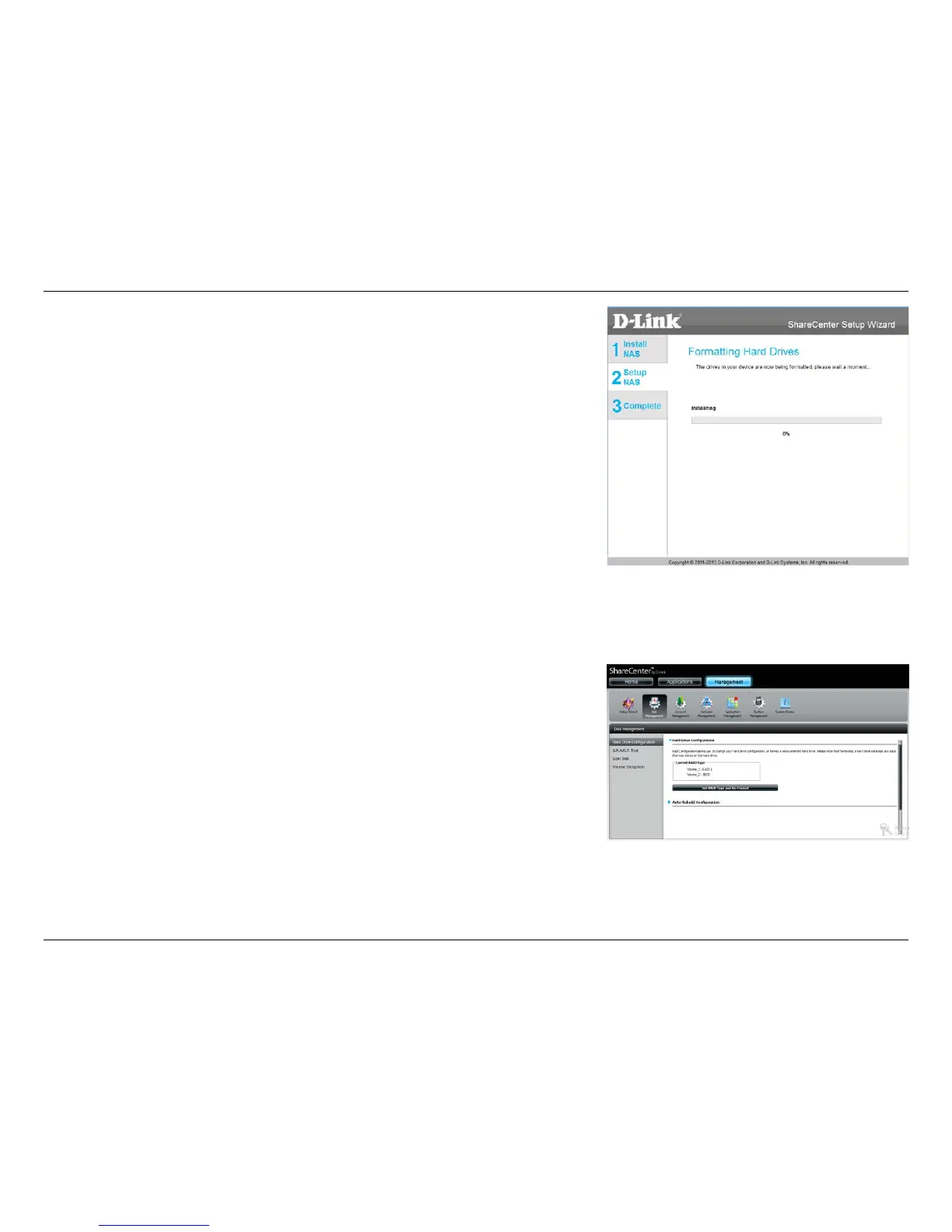
The wizard software will start the formatting process. After this is complete,
click Next to continue.
Note: Do not close the wizard or use other applications until the process is
complete.
To verify your RAID 1, login to your NAS, go to Management>>Disk
Management>>Hard Drive Conguration. This shows the current status of
your drives.















 To Next Page