58D-Link ShareCenter DNS-320L User Manual
Section 4 - Conguration
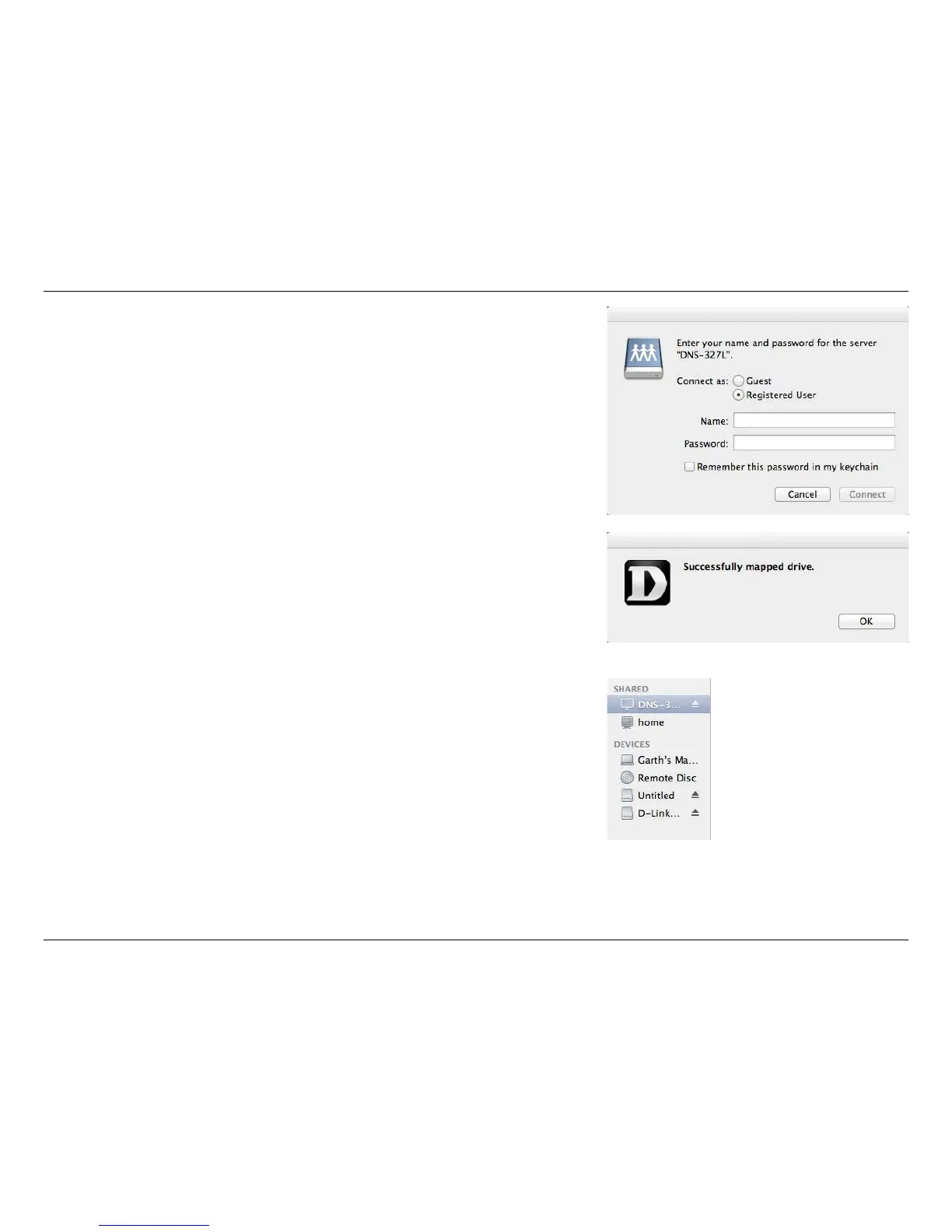
The log-in window will appear. Select Guest or Registered User. Enter your
Name and Password in the elds provided and click Connect.
A pop-up window appears notifying you that mapping the drive was a suc-
cess. Click OK to continue. Use the Disconnect button in the D-Link Storage
Utility to disconnect from the mapped drive(s).
Finder will now open the drive and display the DNS-320L under the Shared
column on the left and the Volumes on the right.















 To Next Page