Delem
V0505, 8.7
8.2. Manual operation of the axes
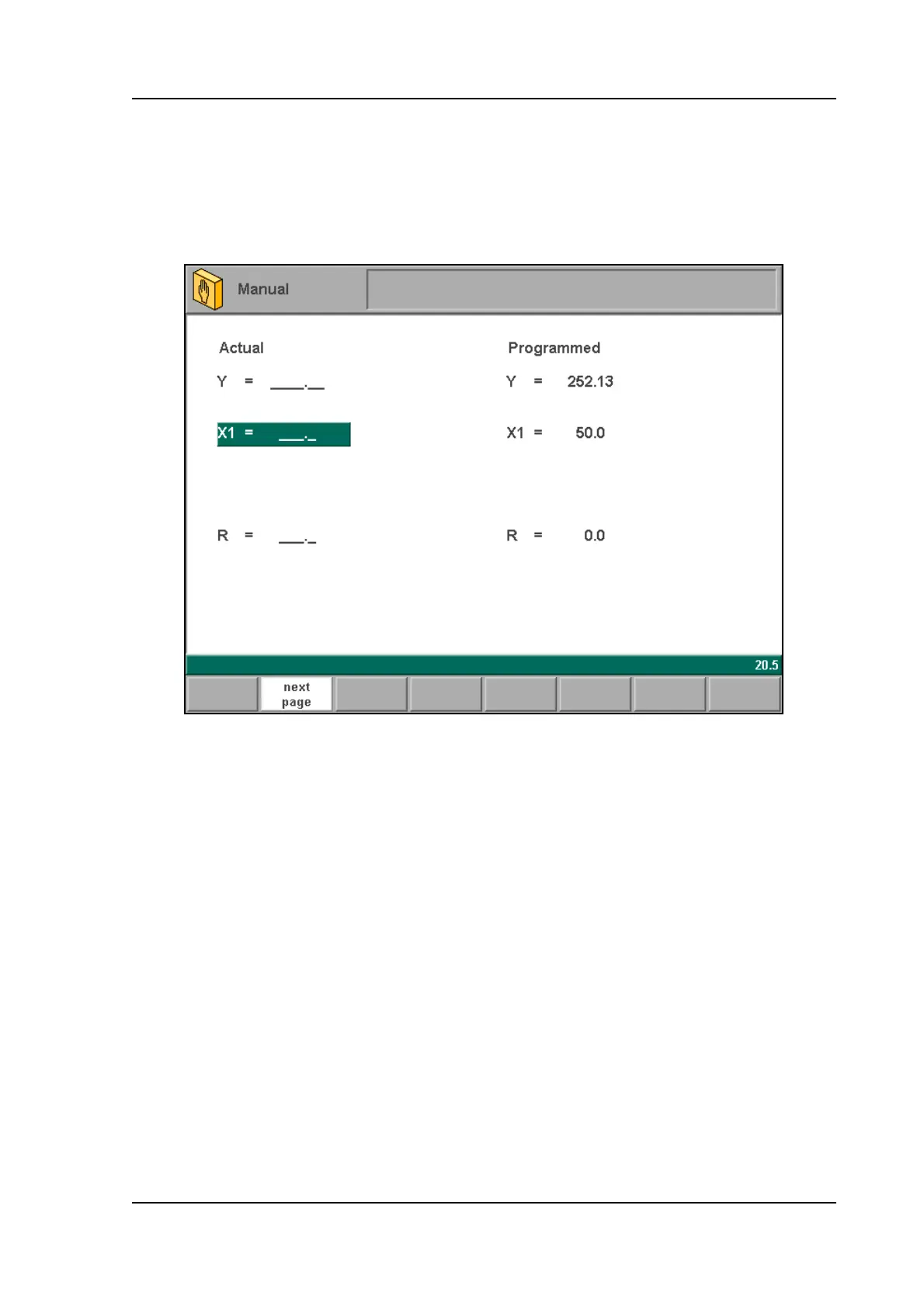
It is possible to move an axis by turning the handwheel on the front panel of the control. After
pressing the function key ‘manual pos’ in the main screen of manual mode, the following
screen appears:
8.e
Put the cursor bar on the axis you wish to move with the handwheel. Then simply turn the
handwheel and watch the movement of the intended axis. The procedure for moving the axis
depends on the axis you wish to move.
- Auxiliary axes:
With the handwheel the backgauge can be positioned manually. This operation is only possible
in "Stop" + "Manual Mode".
First you select the respective backgauge axis with help of the "Manual positioning"-key, so
that you will see the cursor bar at the required axis. Then you can move the axis with help of
the wheel.
- Y-axis:
With the handwheel the punch can be positioned manually in the same way as for the auxiliary
axes. This operation is only possible in "Start" + " Manual Mode". Furthermore, the following
conditions must be met:
- The ‘adjust’ function must be active, indicated on the screen by "Adjust" in the lower
righthand corner.



 To Next Page