Delem
V0505, 4.5
4.2. Directories
Bend programs on the control can be stored in different directories. This directory can be used
for storage of the products. The active local directory name is displayed in the header.
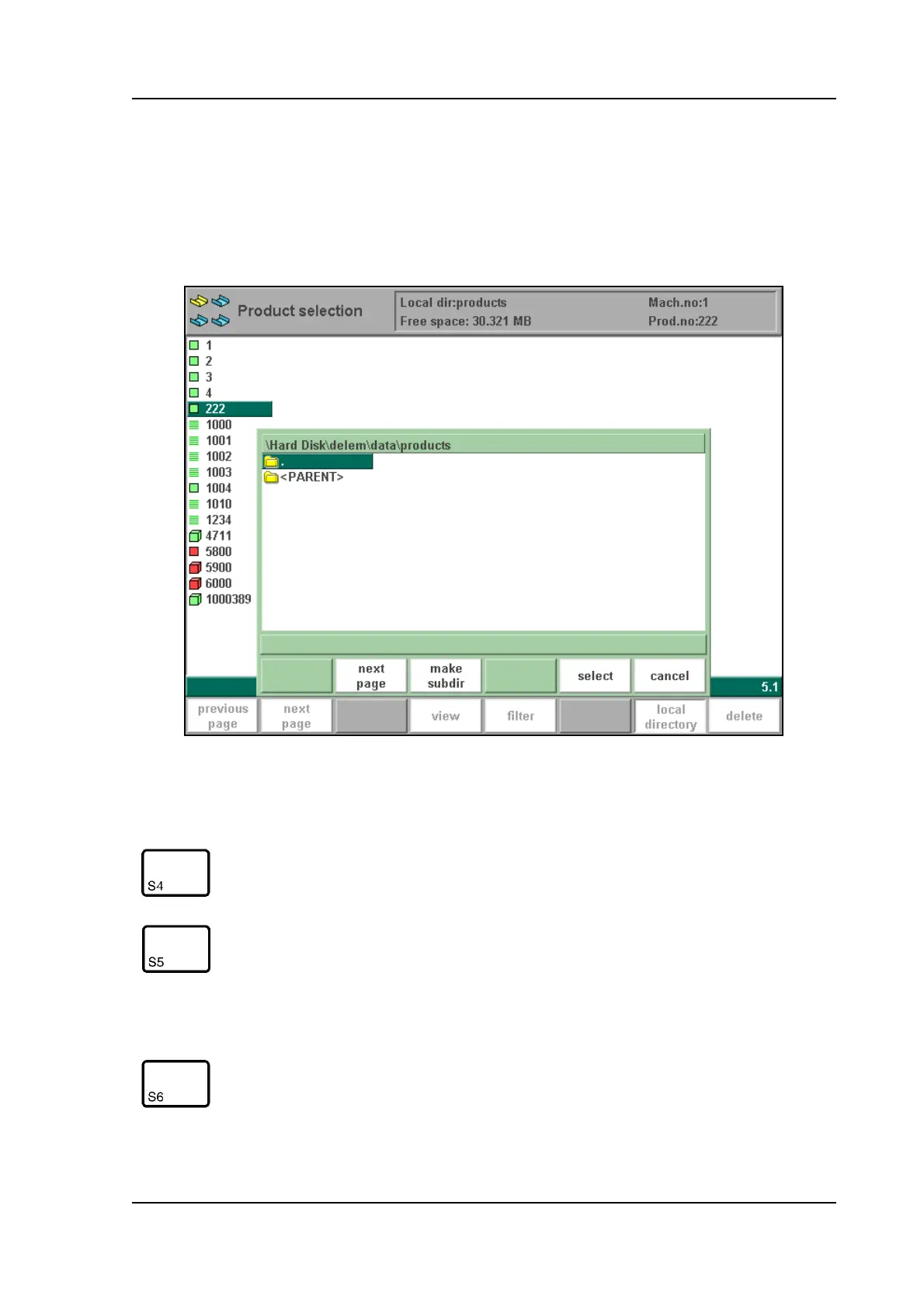
When the function key ‘local directory’ has been pressed in the product menu, a new window
appears with an overview of directories on the control.
4.f
Function keys:
make subdir Add a new subdirectory. The name of the subdirectory can
be any alpha numeric string of maximal 8 characters.
(Avoid the use of slashes ‘/’).
remove sub-
dir
Delete a subdirectory. If the subdirectory is not empty, the
control returns the message ‘UNABLE TO REMOVE
DIRECTORY’. An empty subdirectory is deleted without
warning. The default directory “PRODUCTS” can also be
deleted. When all the subdirectories have been removed
the control creates automatically the default directory
select To select the directory on which the cursor is placed.



 To Next Page