Delem
V0505, 1.1
1. Operation overview and general introduction
1.1. The control unit
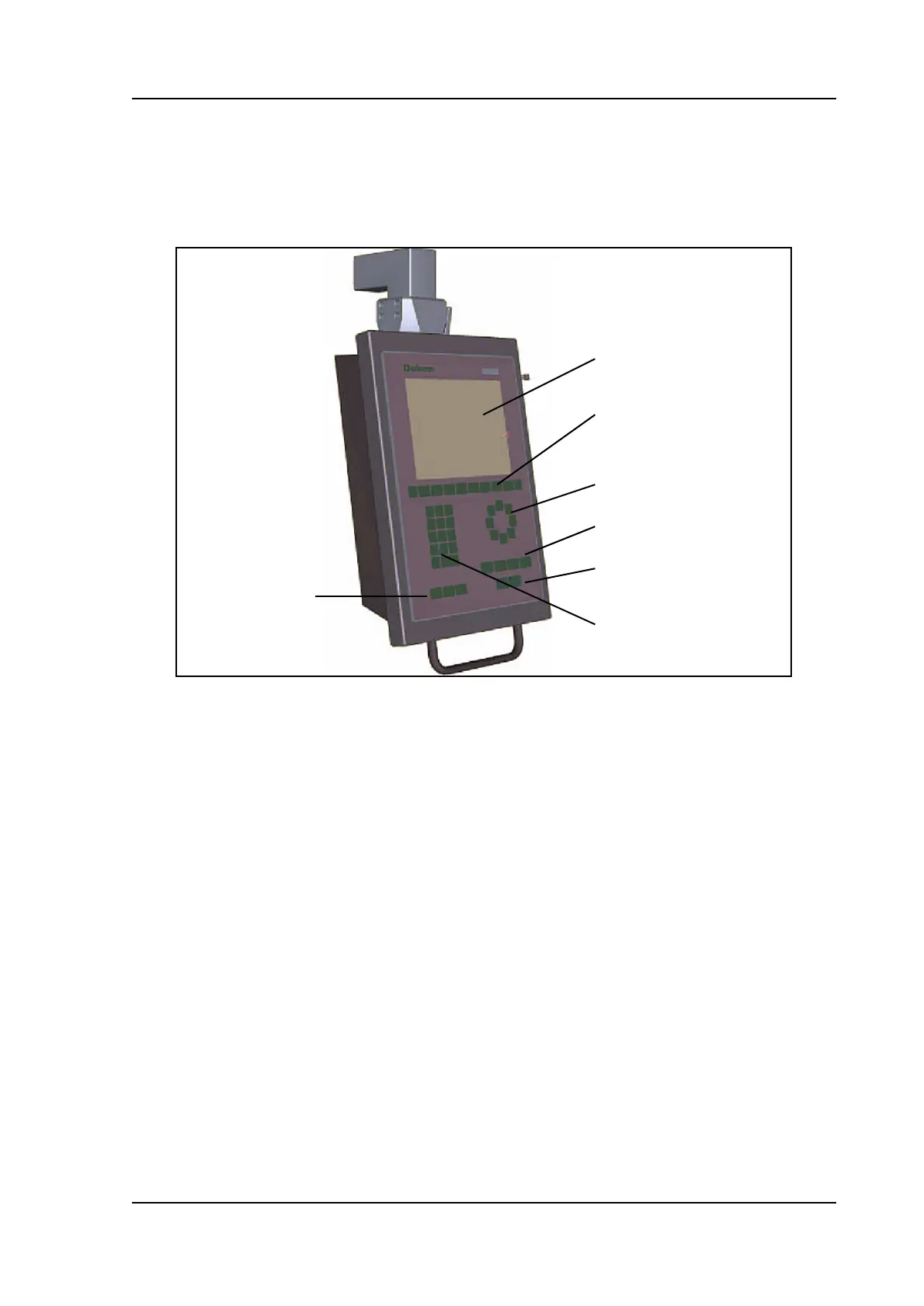
The control looks as follows:
1.a
The precise outfit of your control may vary.
Operation of the control is done with the various keys on the front panel. A description of all
keys and their functions is given in the next section.
Beside the front panel keys, a built-in touchpad or external USB mouse can be used as a point-
ing device to select menu items, parameters or softkeys. It depends on your configuration
whether such a device is available. In this manual the phrase ‘mouse’ is used to describe any of
these possible pointing devices.
screen
function keys
arrows
mode keys
start/stop
num. keys
manual
movement key



 To Next Page