V0505, 9.10
9.2. Step mode
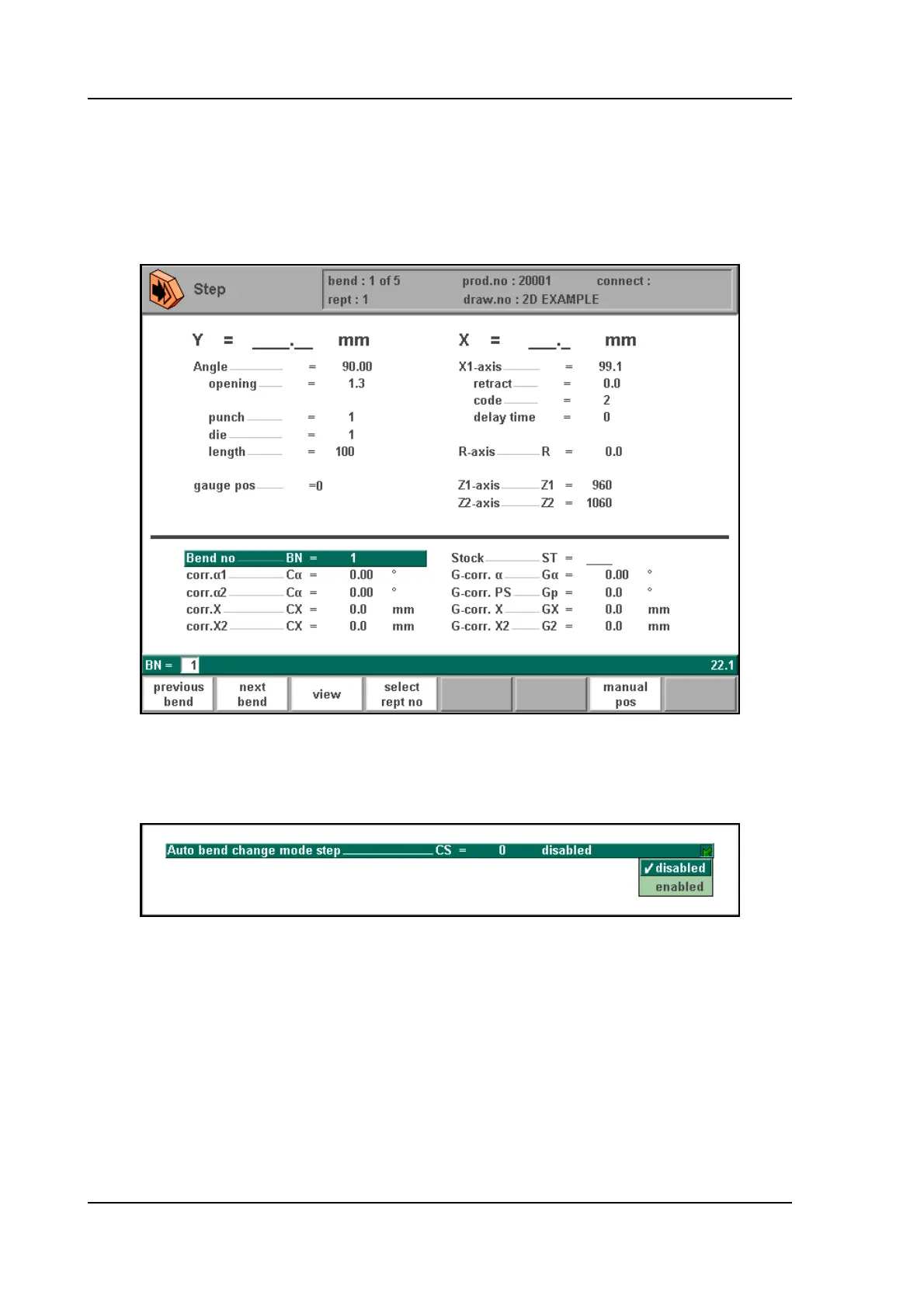
In the step-by-step mode you have the same possibilities as in the automatic mode. There is
only one difference. After each bend cycle, the control will stop. To continue working, you
must start the control again by pressing ‘start’ on the front panel of the control.
9.i
After each bending step, the control can stay in the current bend or jump to the next bend. This
depends on a parameter in the programming constants:
9.j
Disabled: when a step is completed, the control will stop and stay in the current step.
Enabled: when a step is completed, the control will load the next step and stop.
See also the chapter about programming constants for more information.



 To Next Page