Delem
V0505, 4.3
The other function keys cannot be selected here, until one of these three function keys has been
chosen. The temporary bar will disappear again.
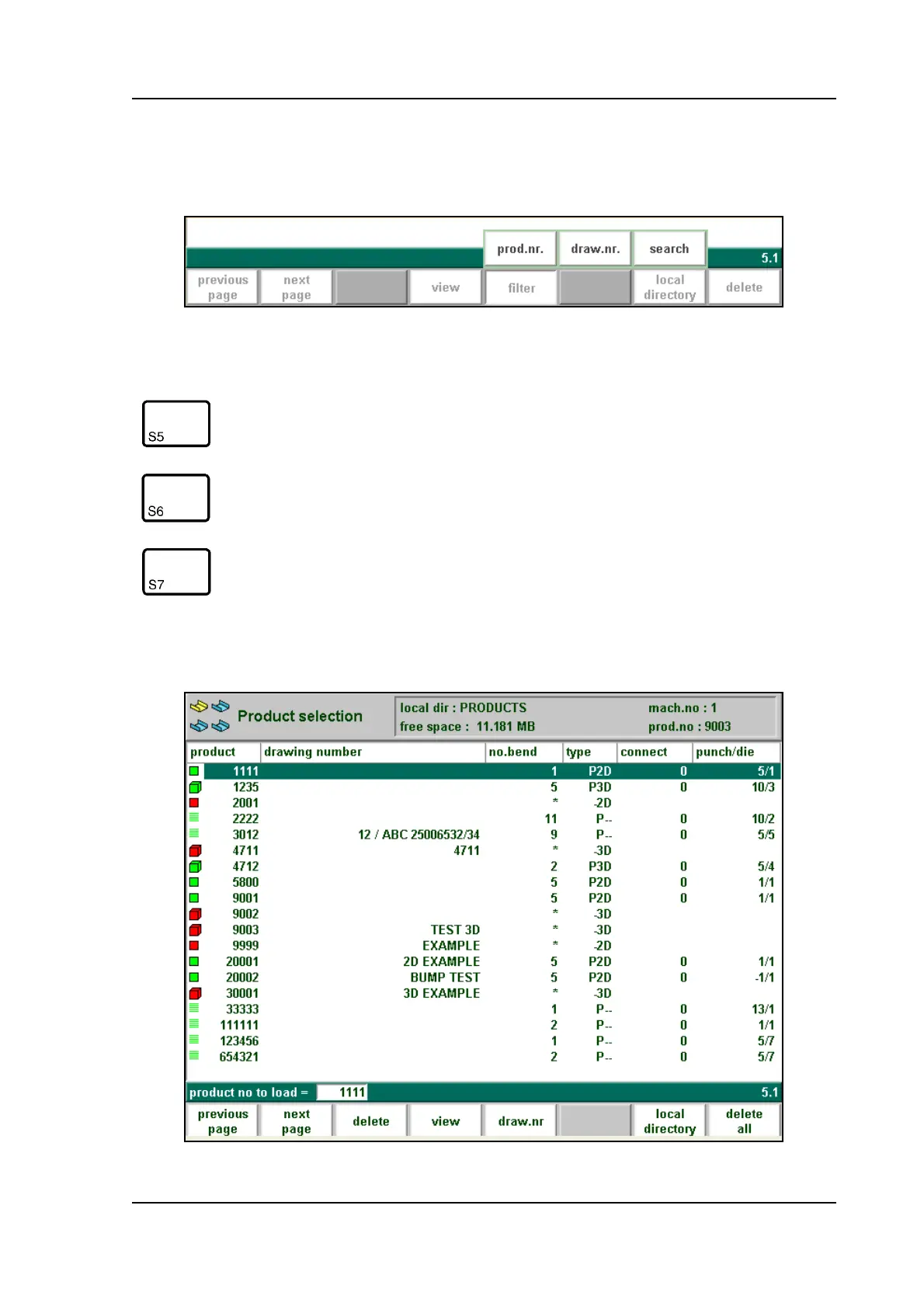
When the function key ‘filter’ has been pressed a new, temporary button bar appears with addi-
tional softkeys:
4.c
• Expanded directory
4.d
Function keys:
prod. nr. Products are shown in columns with symbols and product
number, they are sorted on product number. This is the
default view.
draw nr. If this key is pressed in this screen the list of products is
automatically sorted on the alphabetical order of drawing
numbers.
search Start the search function, to search for a specific name or
number.



 To Next Page