Delem
V0505, 6.5
A back-up operation is carried out unconditionally. When a restore operation is started, the
control checks whether the product is already present on the control. If it is, you are asked
whether to replace the existing product or to cancel the restore operation.
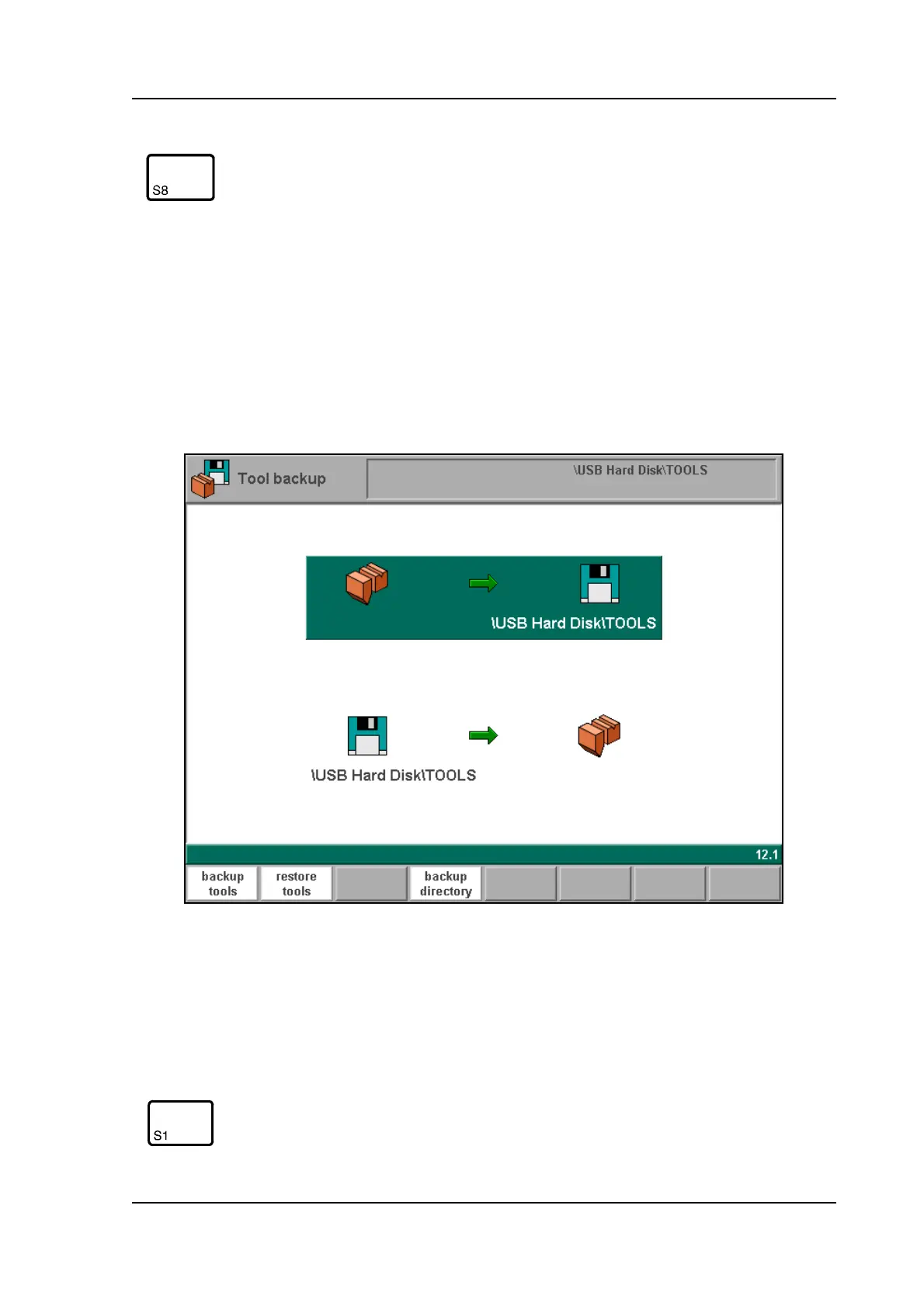
6.4. Tool back-up
To make a back-up of tools to disk, choose ‘Tool backup’ in the main menu.
6.e
With this menu a back-up of all programmed tools on the control is made: punches, dies and
machine shapes. When activated, one warning is given that existing tools with the same num-
ber on the destination disk will be replaced.
view
Button to select one out of two possible viewing
modes:
- normal dir.
- dir. expand
- graph. dir.
Function keys:
backup tools save all tools to disk.
Function keys:



 To Next Page