Delem
V0505, 2.5
2.2. Delete an angle/line or insert an angle
The function of softkey (S1) depends on the position of the drawing cursor.
- If the cursor is within a line segment, it is possible to insert a new angle to bend, in com-
bination with the enter key.
- If the cursor is positioned on a bend, it is possible to delete that bend.
- If the cursor is at an end line of the product, the line can be deleted.
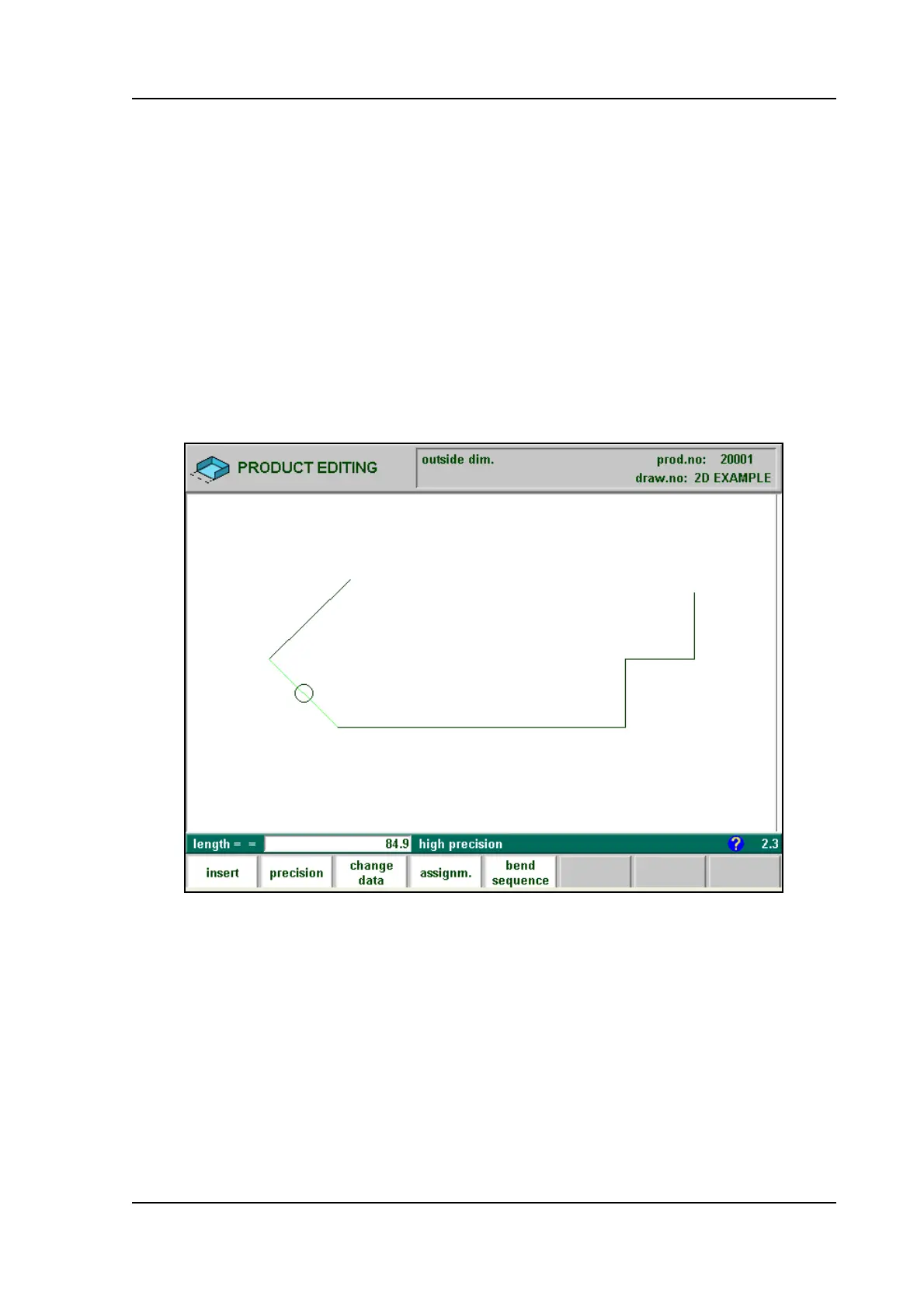
2.3. Precision selection
When the drawing cursor (small circle) is on a line segment, with S2 high precision or closing
dimension can be selected. With S2 these functions will be toggled giving 3 possibilities (high
precision - closing dimension - normal situation).
2.e
- High precision:
At bend sequence computation the backgauge stop position will be chosen to get the highest
possible precision of this line interval.
- Closing dimension:
At bend sequence computation the backgauge stop position will be chosen to get the resulting
tolerances in this line interval.



 To Next Page