V0505, 3.4
3.2. Bend programming
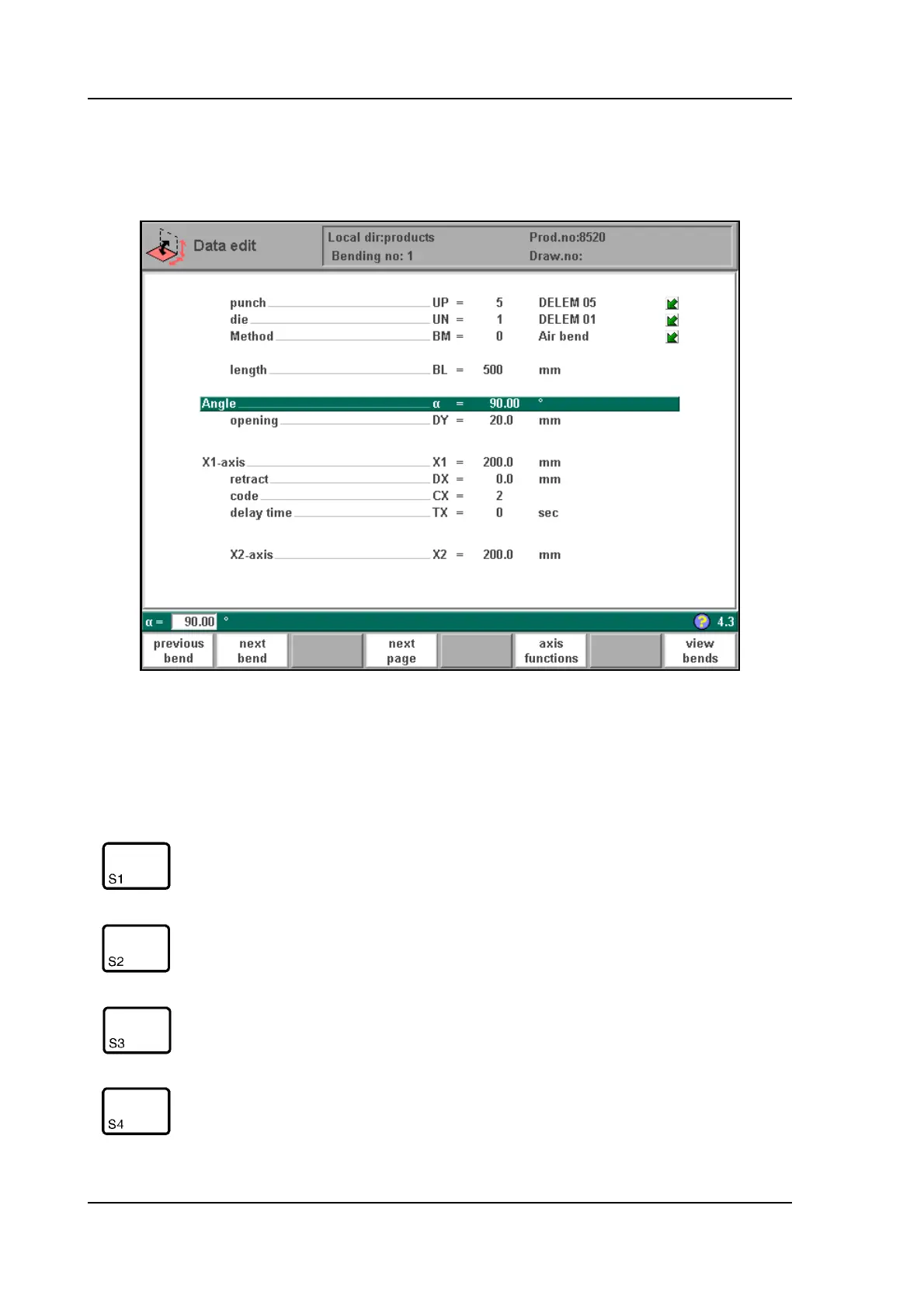
The parameters of one bend are divided over 2 screen pages.
3.b
The bend number, product number and drawing number are displayed in the top row on the
screen, the function of the "softkeys" in the bottom row.
Function keys:
prev. bend select previous bend
next bend select next bend
show
library
Open a window with an overview of the tool library.
From here, a tool can be selected. Only available if the
program cursor is positioned on a tool.
next page next page, to select the second page of the parameters to
be programmed for this bending.



 To Next Page