Delem
V0505, 4.1
4. Product selection
4.1. Introduction
This chapter describes the menu ‘product selection’.
4.a
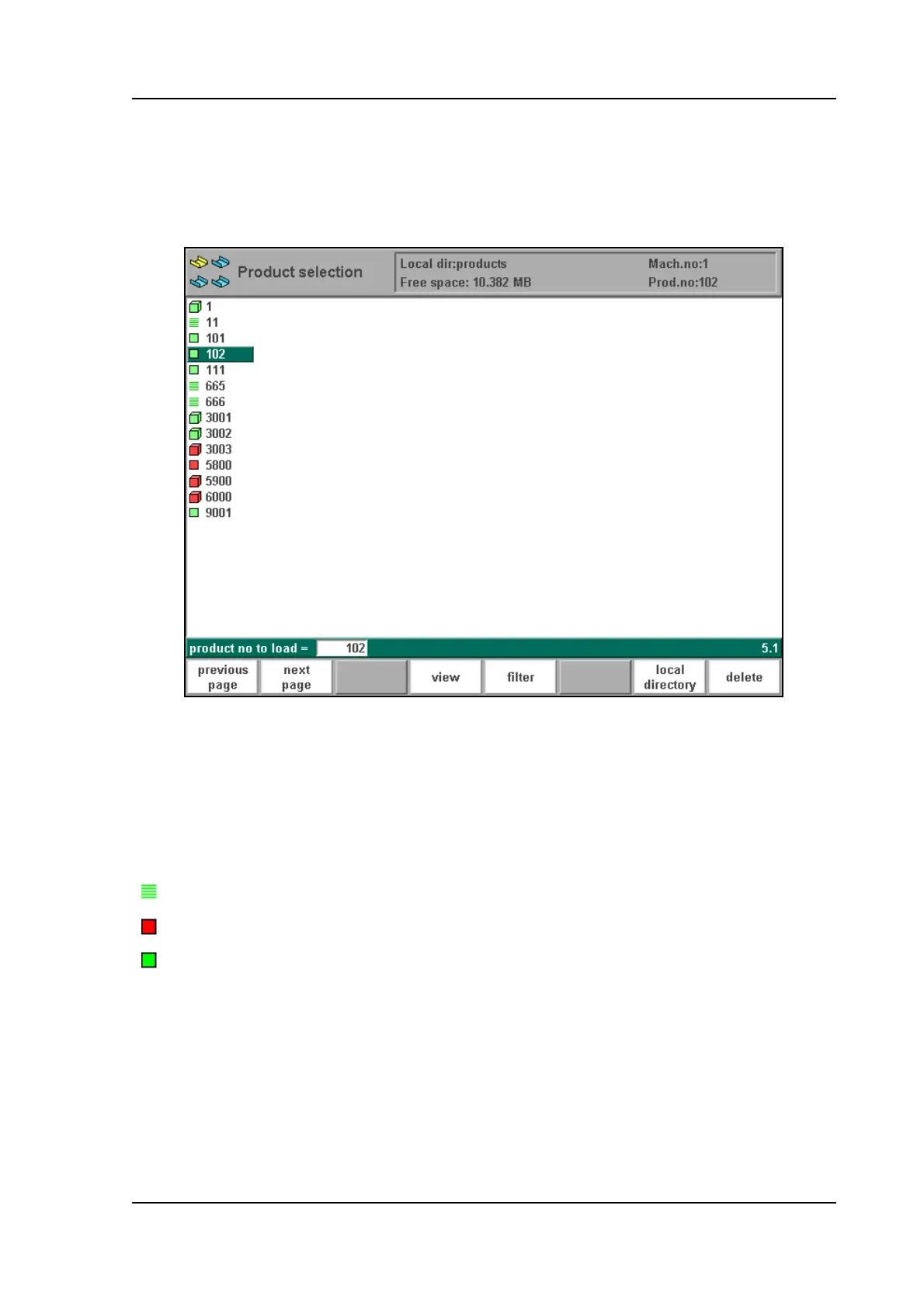
In the "product selection" overview, a listing of all the programs which are present in the main
memory is given. In the enter field a new product number or drawing number can be entered to
select (load) a new program from the mainmemory. The loaded product can directly be exe-
cuted in the automatic mode. Each item in the list consists of a symbol and a number. The
number is simply the product number, the symbol can have the following meanings:
the product has a CNC program, there is no drawing
(red)
the product consists of a 2D drawing, there is no CNC program
(green)
the product has a 2D drawing and a CNC program



 To Next Page