V0505, 4.2
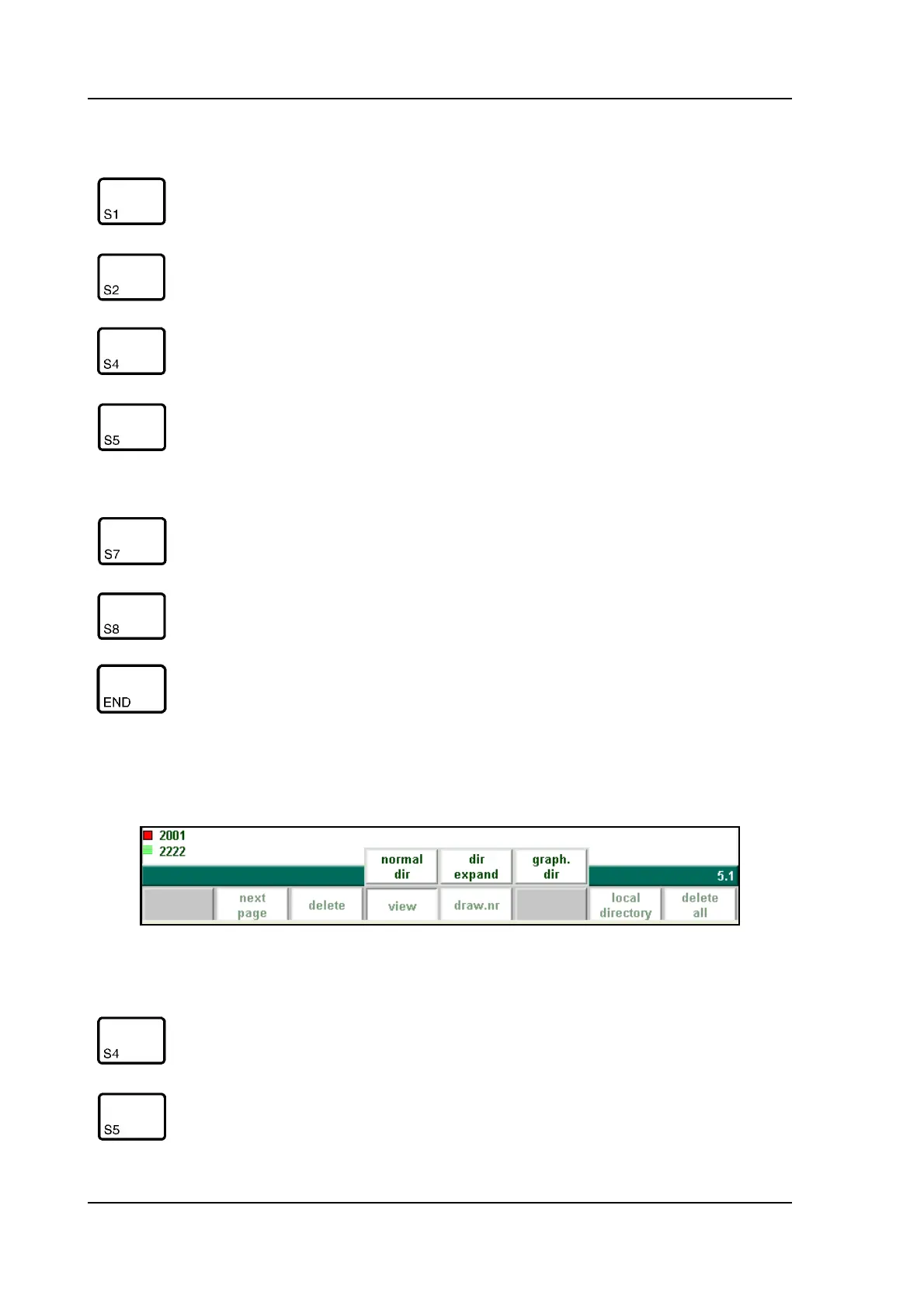
When the function key ‘View’ has been pressed a new, temporary button bar appears with
additional softkeys:
4.b
Functions keys:
previous
page
Previous page with products overview
next page Next page with products overview
view Button to select one out of three possible viewing modes:
- normal dir.
- dir. expand
filter Function key to open a new button bar with extra function
keys for product selection functions:
- prod. nr.
- draw nr.
- search
local direc-
tory
Via ‘local directory’ you get an overview of the manually
created product directory structure.
delete Delete programs from the memory
End the product selection
Function keys:
normal dir. Select a normal view of the product collection. This is the
standard setting.
dir. expand To obtain a detailed overview of the product collection,
with additional information for each product



 To Next Page