Delem
V0505, 1.5
1.4. Programming mode
1.4.1. The main menu
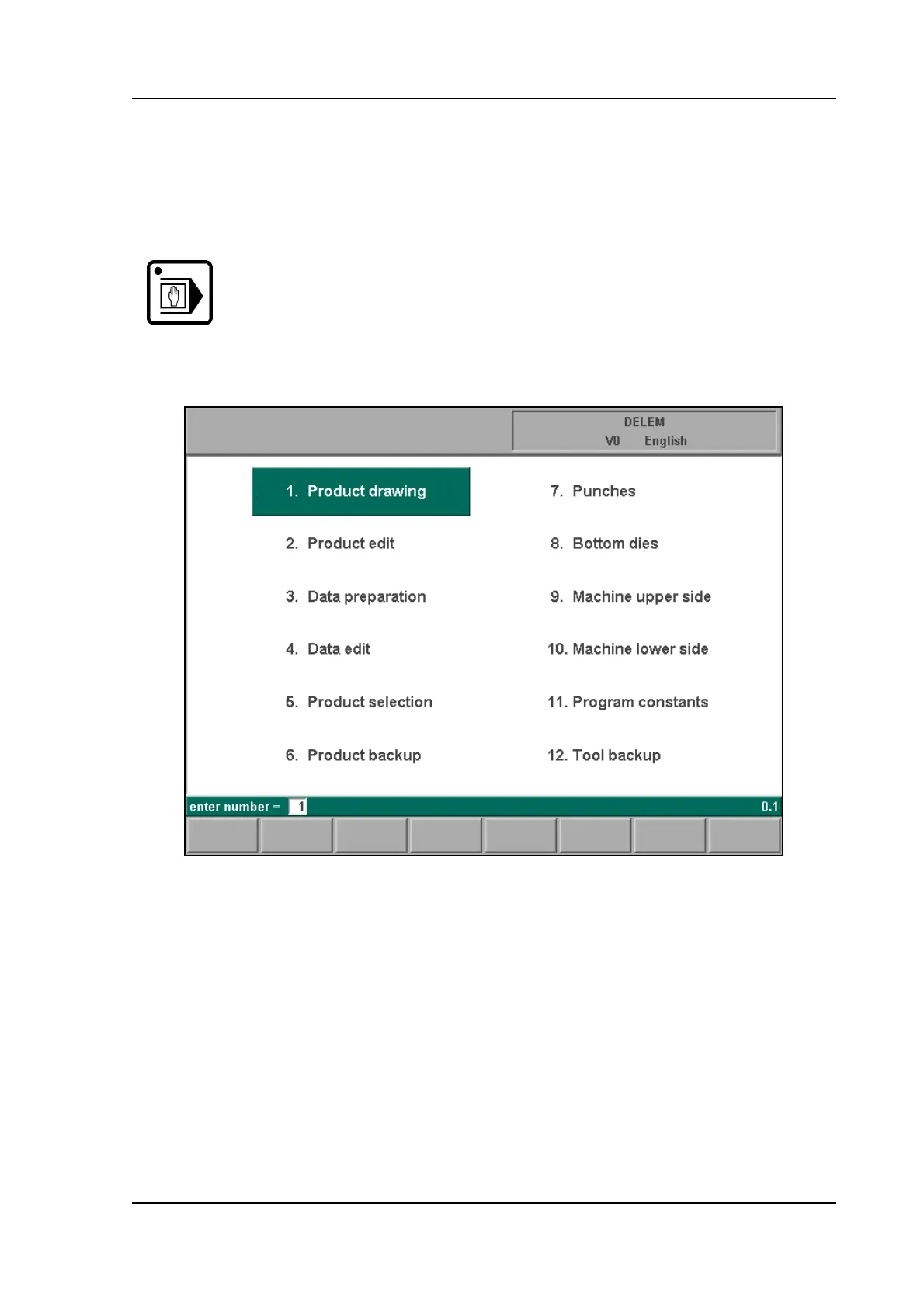
The main menu in programming mode looks as follows:
1.b
Each of these menu items can be selected in several ways:
- enter the menu number and press ENTER
- use the arrow keys to scroll to the desired menu item and press ENTER
- click with the mouse once on the desired menu item
Explanation of menu items:
Programming
mode
Select the programming mode.
1
To draw your product on the screen and compute the
bendsequence (graphical).
2
To edit your product drawing and compute the bendse-
quence (graphical).



 To Next Page