Delem
V0505, 2.1
2. Product drawing/Product edit for 2-dimensional products
2.1. Introduction
With Menu selection 1 you can draw a new product.
With Menu selection 2 you can make changes in an existing product.
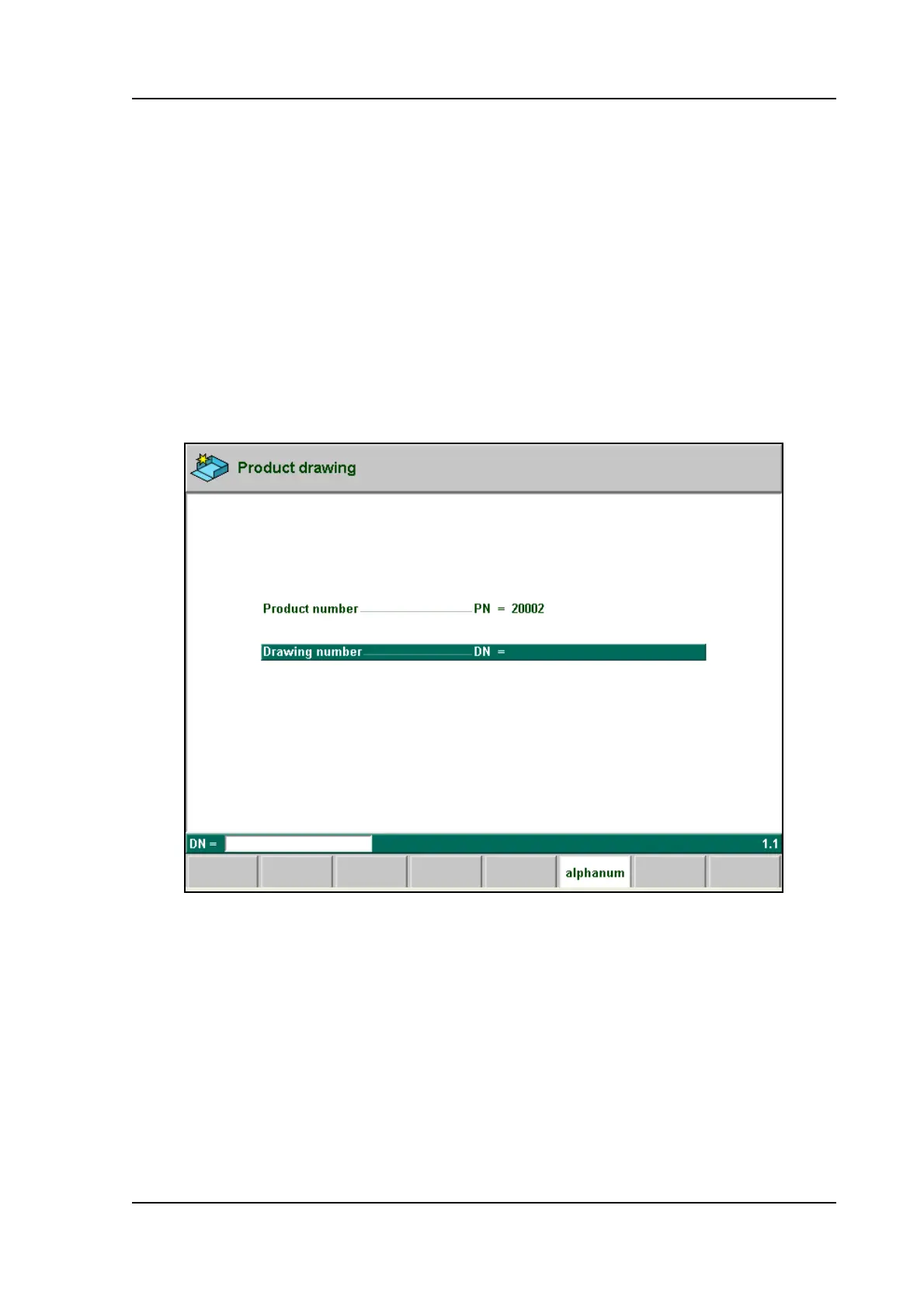
On this page you have to enter first the product number and then the drawing number. The
drawing number may also contain alphanumeric characters, which can be entered with the help
of the function key ‘alphanum’ (S6).
If an existing product number is entered, a warning appears that this product already exists.
You are asked whether to replace that existing product with the new product or not. If you
choose ‘yes', the existing product is erased. If you choose ‘no', you must enter a new number.
The "±" key prompts a "-" character and the "." key prompts a "/" character in the drawing
number.
2.a
After finishing this input you have to enter specific product data. Then you can start drawing
the product.
In the edit mode you also have the possibility to make a copy of the active product. A special
function key ‘copy product’ appears.



 To Next Page