V0505, 6.4
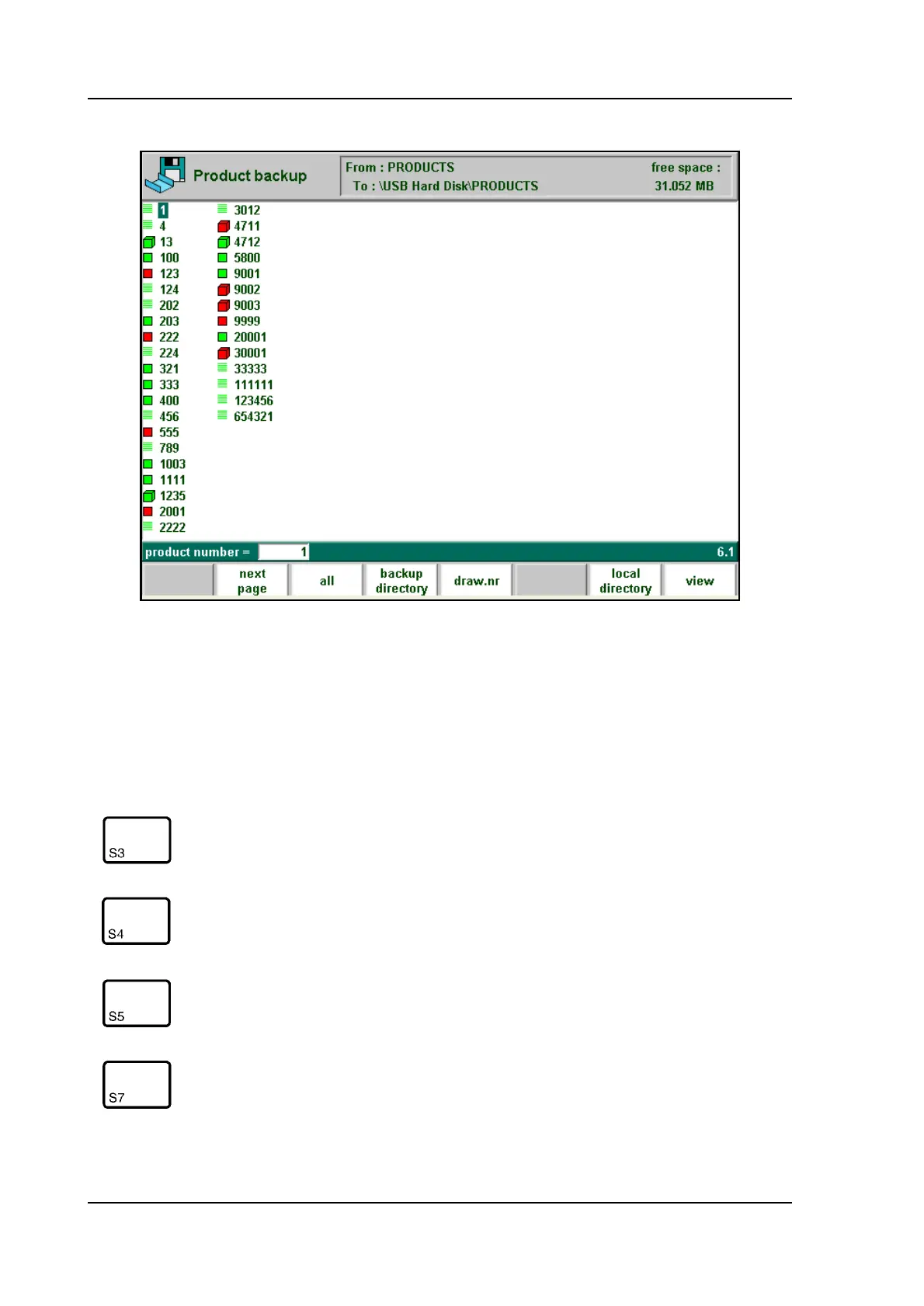
When ‘backup products’ has been selected, a screen like shown below should appear.
6.d
At the top of the screen, the back-up location is shown. If this location is not correct you can
change the subdirectory with the softkey ‘backup directory’ or you should go to the program
constants menu to change the device where products are saved to.
To save a product, enter its number from the list and press ‘enter’.
Function keys:
all load all products
backup direc-
tory
Change, make or remove backup directory
draw. nr. Toggle drawing number / product number
local direc-
tory
get an overview of the manually created product
directory structure on the control disk.



 To Next Page