V0505, 9.2
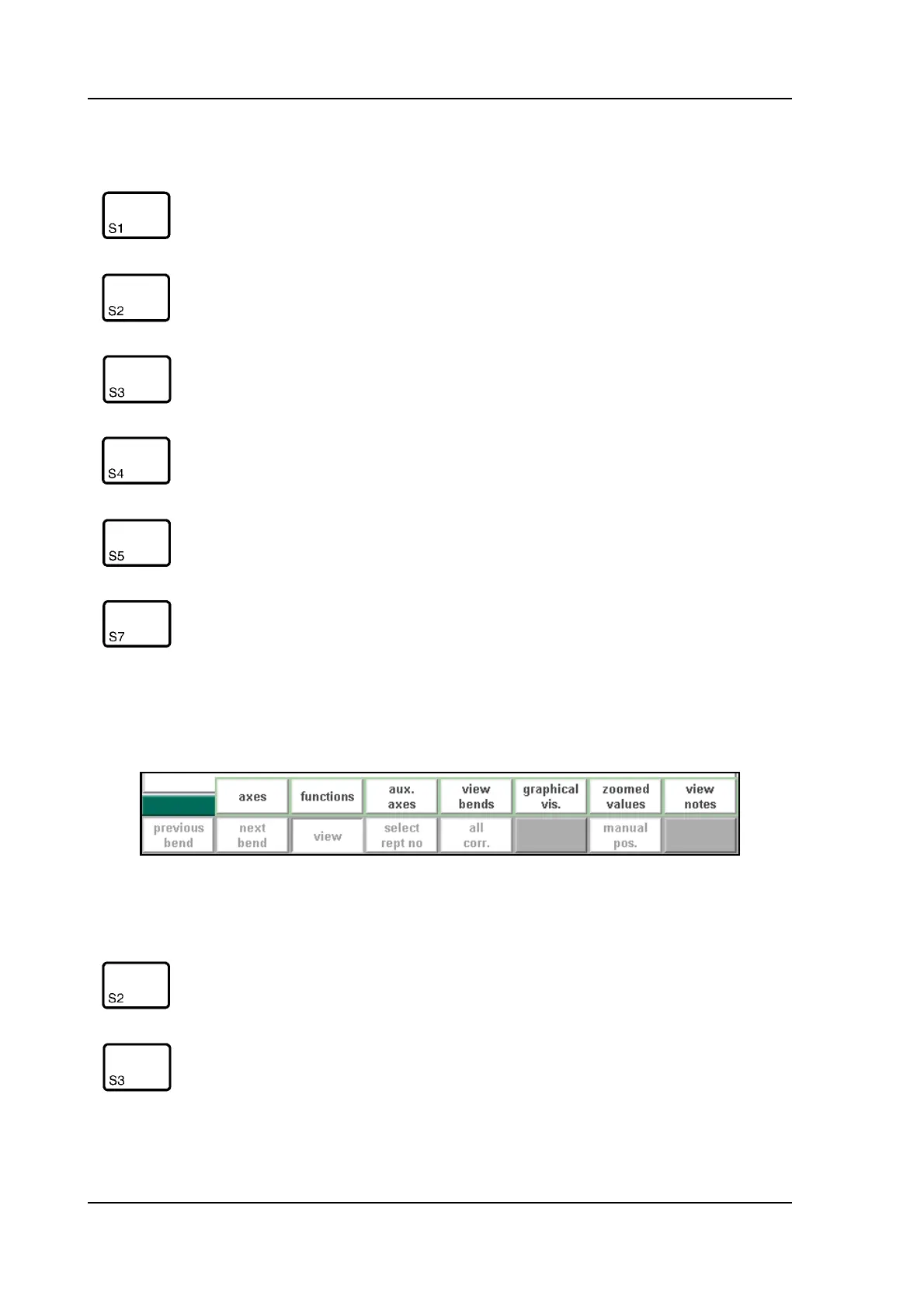
When the function key ‘View’ has been pressed a new, a temporary button bar appears with
additional softkeys:
9.b
Function keys:
previous
bend
Switch to previous bend of the program.
next bend Switch to next bend of the program.
view Button to activate pop-up bar with additional functions.
select rept
no
Switch between display of bend number or the number
of repetitions of this bend.
all corr. Open window to edit corrections of all bends of the
product. See section about corrections.
manual
pos
Start function to move an axis manually with the hand-
wheel and change the axis positions with the teach func-
tion like in manual mode.
Function keys:
axes Switch to default view of automatic mode.
functions Switch to view with additional bend parameters.



 To Next Page