Delem
V0505, 2.15
2.p
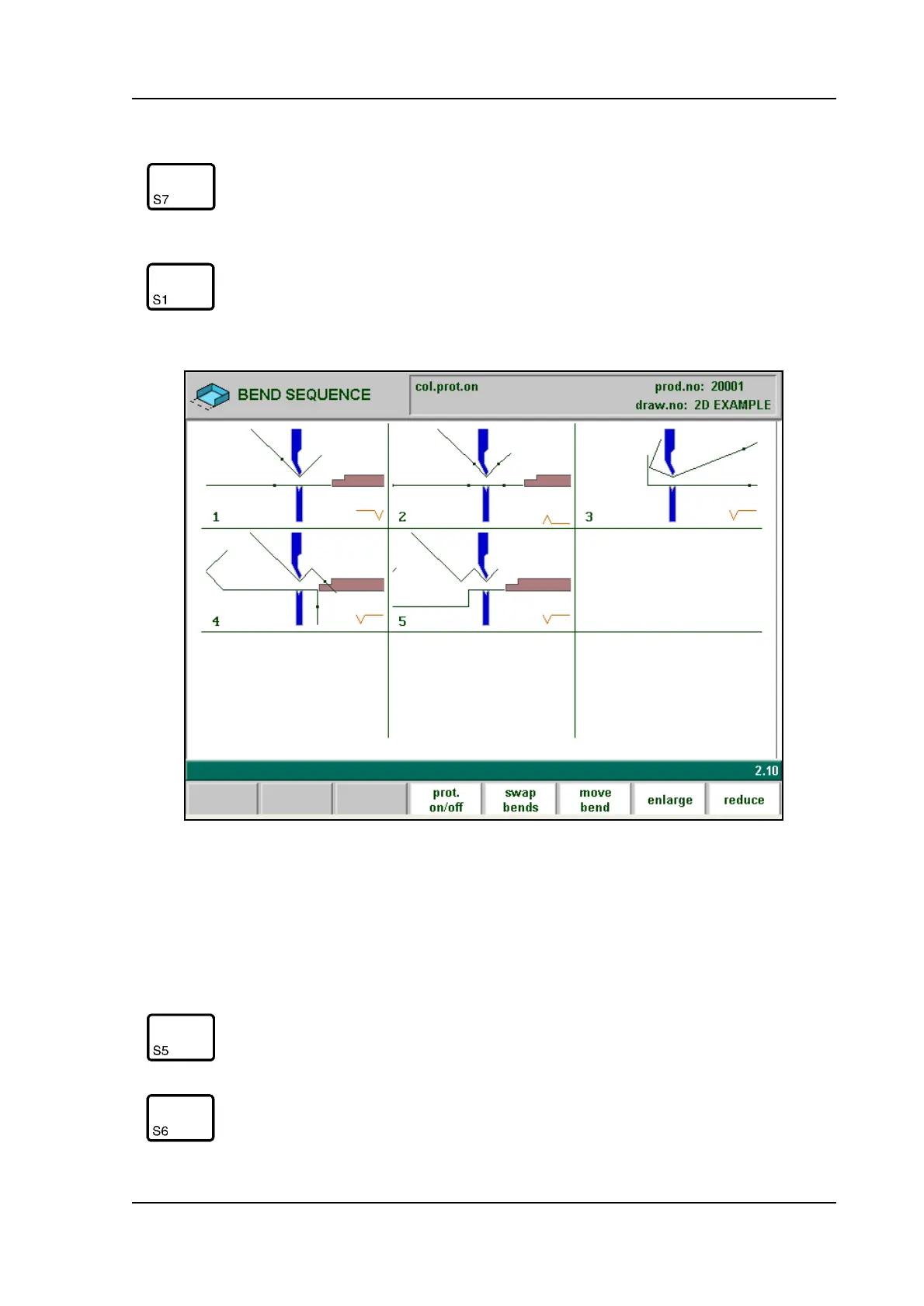
The images in this graphical overview can be zoomed-in or zoomed-out with the cursor- up
and cursor- down key. The function keys S7 and S8 enlarge or reduce the number of images
that is displayed on the screen at once (minimal 4 and maximal 25).
When a bendsequence has been determined, a CNC program can be
calculated and stored. This process is called postprocessing. When
postprocessing is finished, the ‘blank length’ of the product is dis-
played.
Open a graphical overview of the bend sequence, in order to have a
visual check.
Function keys:
Swap bends Let two bends exchange place in the bend sequence.
Move bend Move a certain bend to another place in the bend
sequence.



 To Next Page