Delem
V0505, 5.17
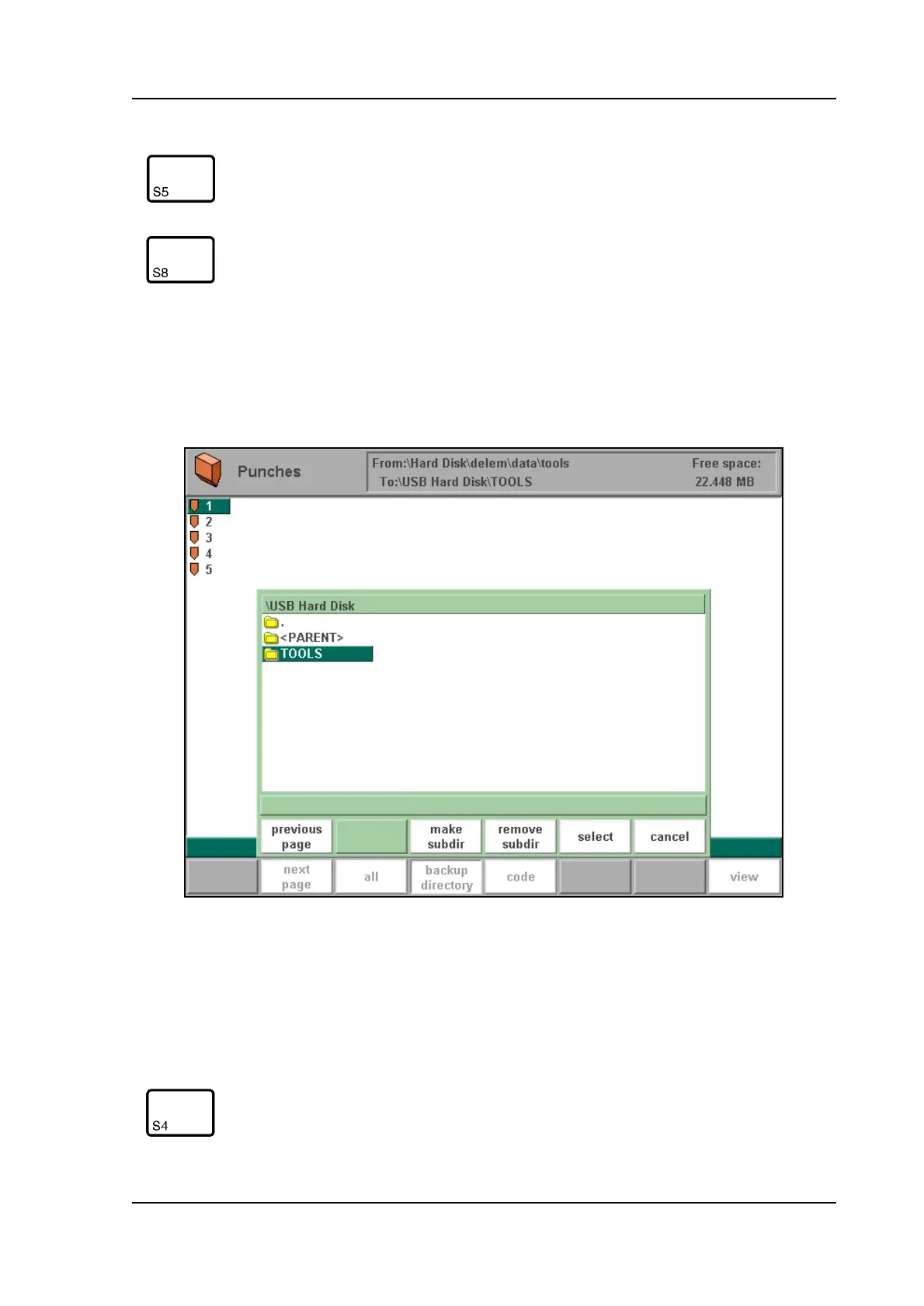
For backup operations, it is possible to make use of subdirectories. Subdirectories can be cre-
ated in this menu. When the softkey 'backup directory' is pressed, a new window appears with
a list of available back-up directories. A selected directory can contain products and tools, so
each user can keep his own set of products and tools, if necessary.
5.s
You can make new subdirectories or delete existing ones with the softkeys 'make subdir' and
'remove subdir'. If there are subdirectories present, use the arrow keys to scroll to the required
directory and presss 'enter' to select it.
code Select on code instead of number.
view Button to select one out of two possible viewing modes:
- normal dir.
- dir. expand
Function keys:
make sub-
dir
Add a new subdirectory. The name of the subdirectory
can be any alpha numeric string of maximal 8 characters.
Avoid the use of slashes ('/')
Function keys:



 To Next Page