Maintaining Your Printer
259
6
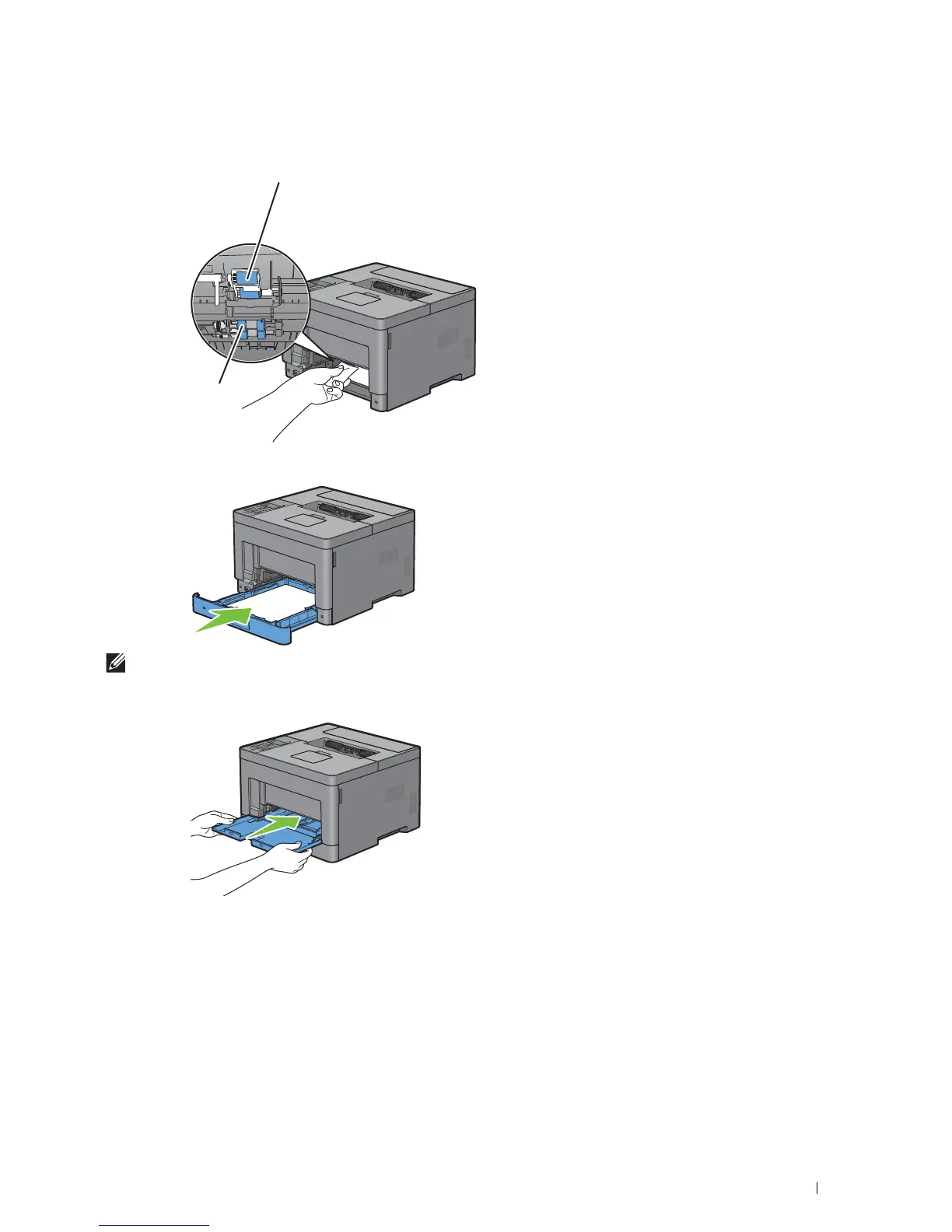
Wipe the feed roller inside the printer with a cloth moistened with water.
7
Insert tray1 into the printer, and push until it stops.
NOTE:
Do not use excessive force on the tray. Doing so could damage the tray or the inside of the printer.
8
Insert the MPF into the printer, push until it stops, and close the cover.
MPF Feed Roller
Tray1 Feed Roller



 To Next Page