Creating an SRP Player File
38
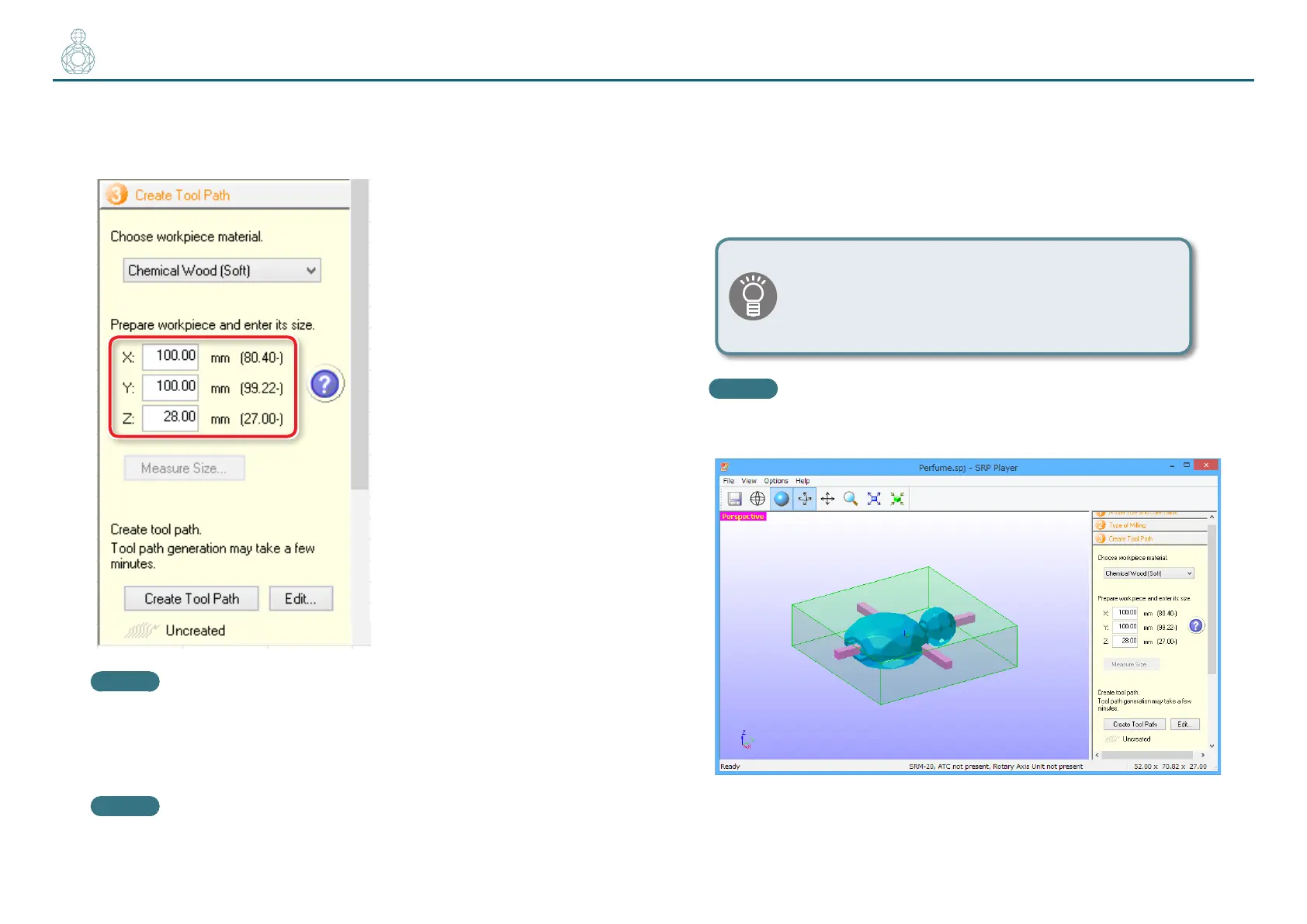
3. Set the material size.
Set the material size so that it ts the cutting data model size and the size of
the part you want to create.
MEMO
For details on how to change the settings, see the [Help].
"User’s Manual “Display Help Dialog”
MEMO
Minimum material dimension values appear in parentheses.
You cannot enter a dimension smaller than the minimum.
This example assumes that the following options are congured:
X : 100 mm
Y : 100 mm
Z : 28 mm
"“Items to Prepare Yourself” (p. 18)
Populate the [Z] eld with the material thickness you
measured using calipers in STEP 1.
"“STEP 1 : Measure the Thickness of the Material”
(p. 31)
MEMO
The main view displays the material shape according to the dimension
values you have entered.



 To Next Page