5
Preparing the Machine
Flow Diagram
*
*
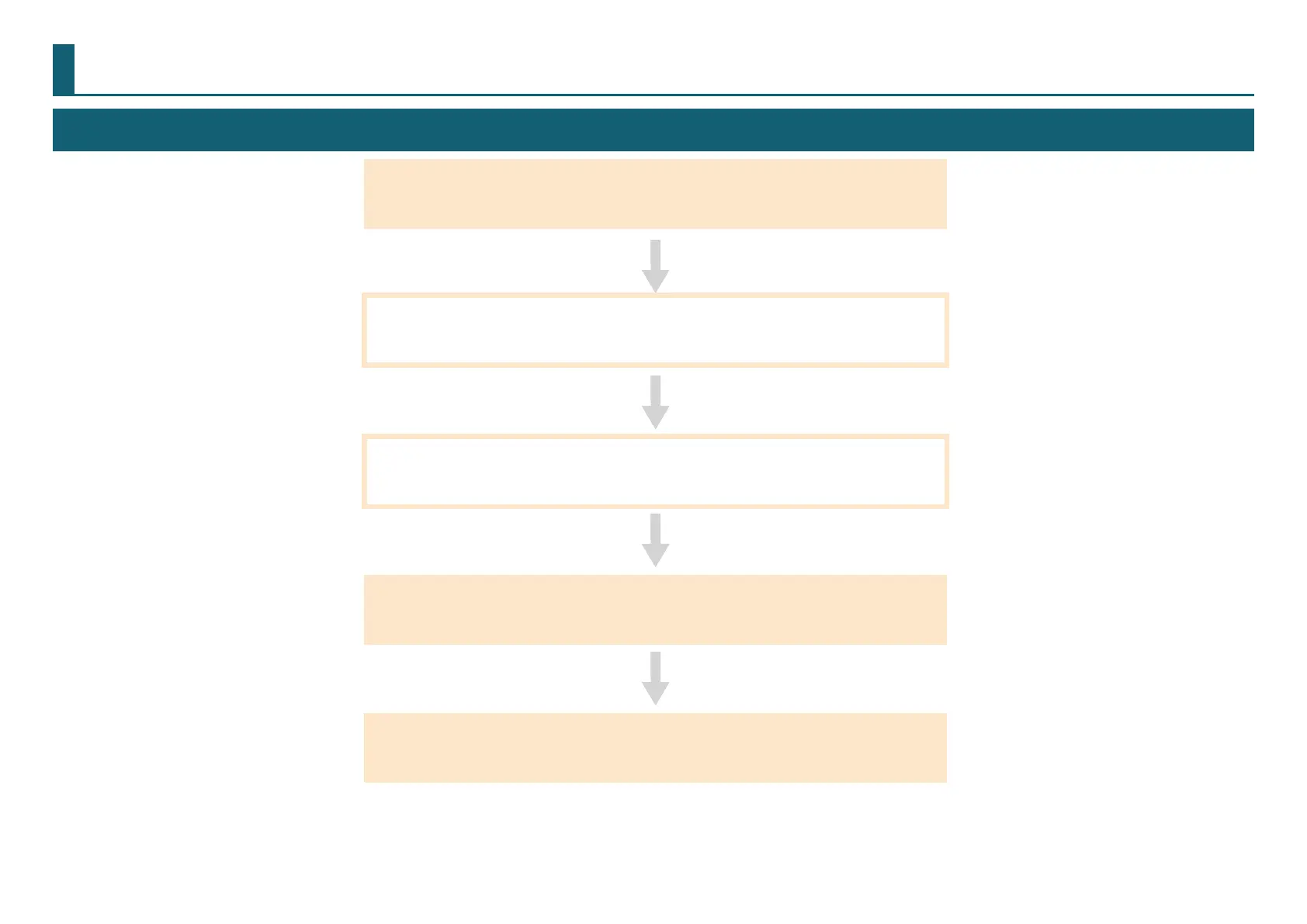
1. “STEP 1 : Turning the Power On” (p. 6)
2. “STEP 2 : The Machine Run-in” (p. 7)
3. “STEP 3 : Conrm the Command Set” (p. 9)
4. “STEP 4 : Register the Cutting Tool You Want to Use
(when you are using SRP Player)”
(p. 10)
5. “STEP 5 : Attach the Cutting Tool” (p. 11)
*Work is unnecessary in some cases. For detail, please conrm procedure contents.



 To Next Page