Cutting (Double Sided)
63
STEP 8 : Remove the Cut Material
MEMO
Depending on the settings congured on VPanel, the power may
automatically turn o when a certain period of time elapses with the
machine idle*.
* “Idle” means the state in which the movement of the table and spindle
head is stopped (except when a cutting process is paused).
" User’s Manual “Power Option”
Procedure
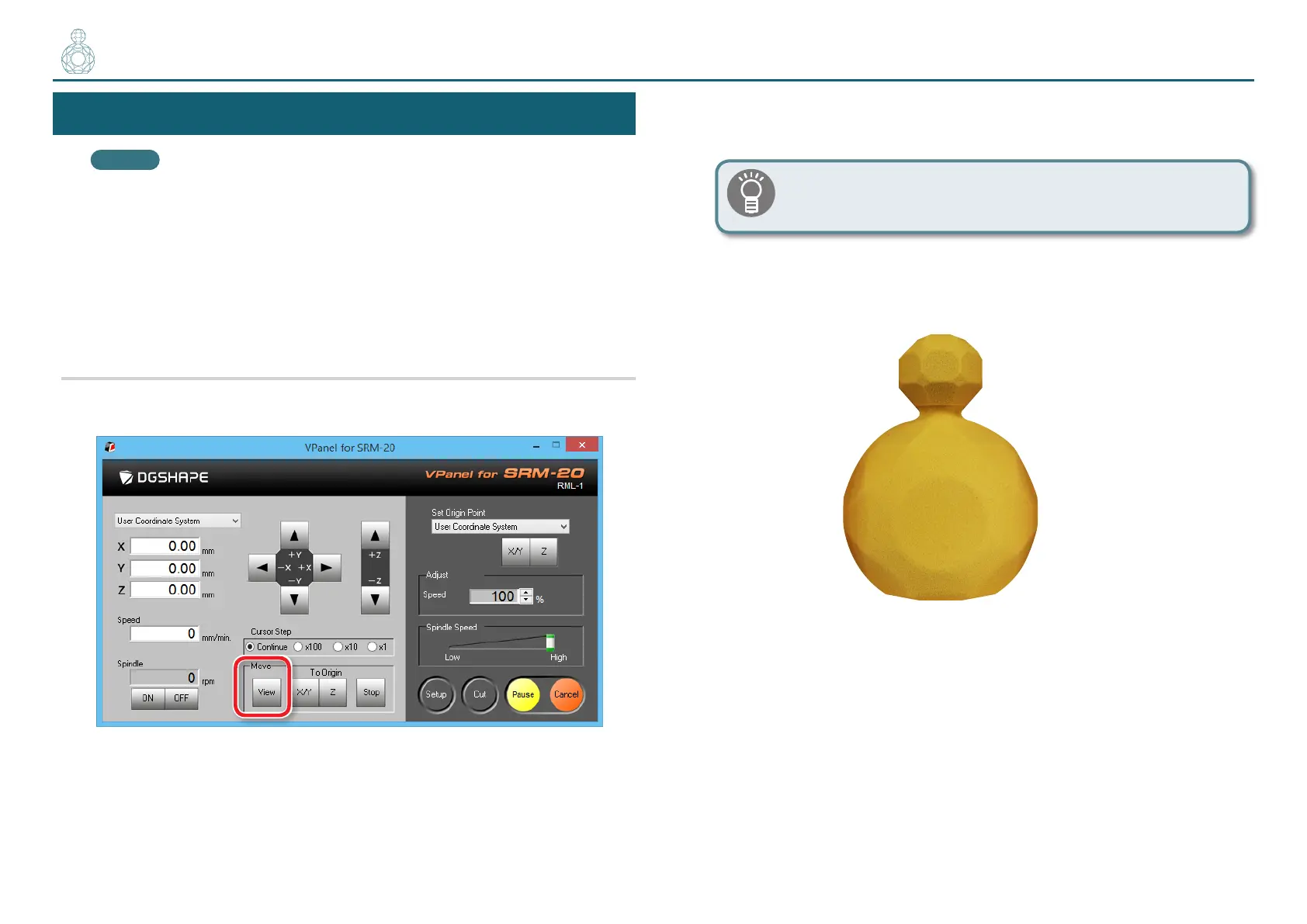
1. Click [ View ] of VPanel.
2. Remove the cutting waste and remove the material.
Remove the double-stick tape on the back of the material.
When material cannot remove nely, it removes using wooden
spatulas etc.
3. Remove the support parts.
〇〇〇〇〇〇〇●〇



 To Next Page