Cutting (Double Sided)
56
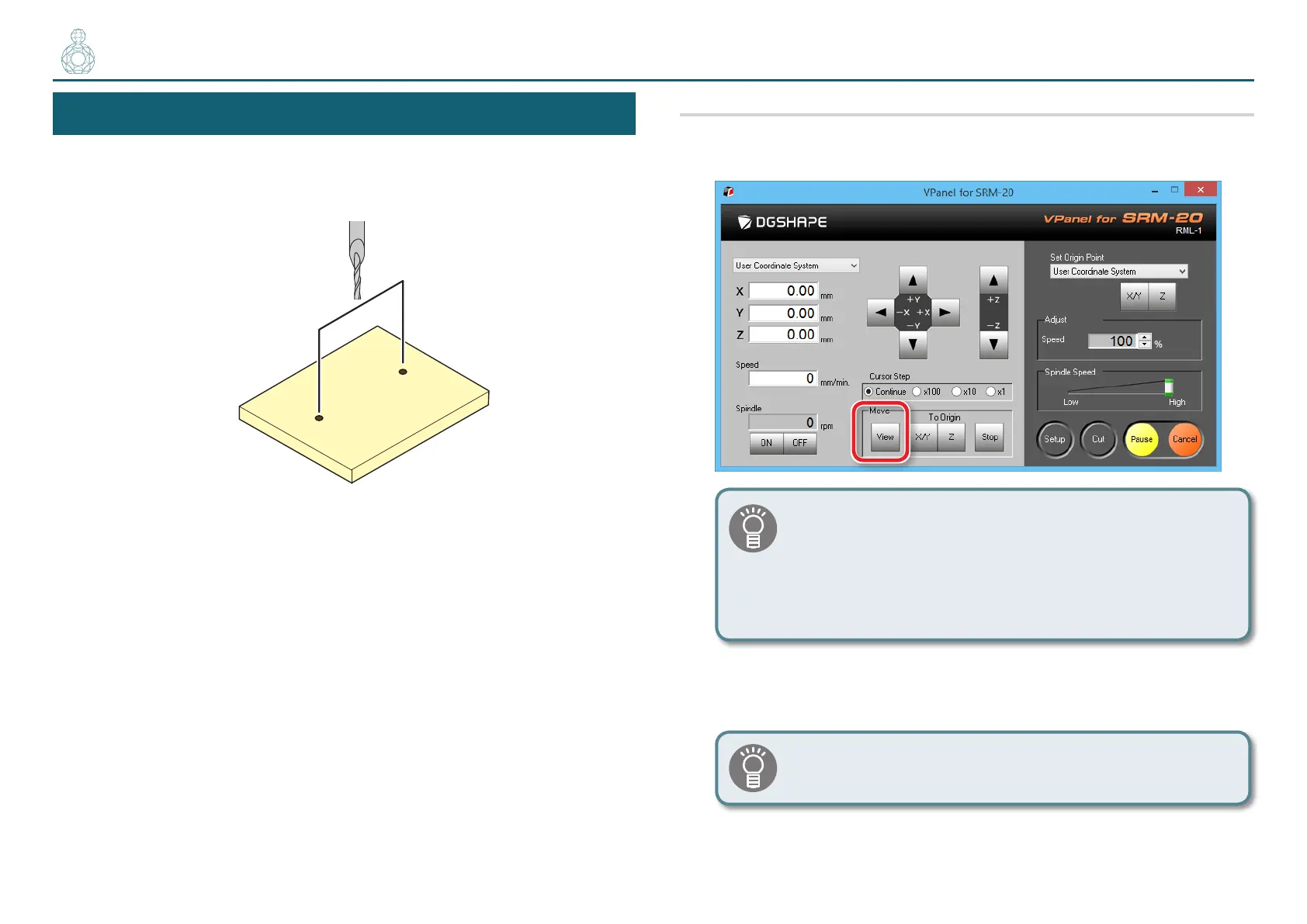
STEP 5 : Drill the Scrap Board
Drill the scrap board to create holes in the same positions as you drilled the
material.
Procedure
1. Click the [View] button on the VPanel.
You may not be able to produce the desired product if the
movement worsens during the process because of built up
cutting waste. Keep an eye on how much cutting waste builds
up and, if deemed necessary, remove the cutting waste that
has built up around the X- and Z-axes. Also remove the cutting
waste that has collected in the dust tray.
2. Remove the cutting waste and remove the material.
Remove the double-stick tape on the back of the material.
〇〇〇〇●〇〇〇〇
When material cannot remove nely, it removes using wooden
spatulas etc.



 To Next Page