Cutting (Double Sided)
57
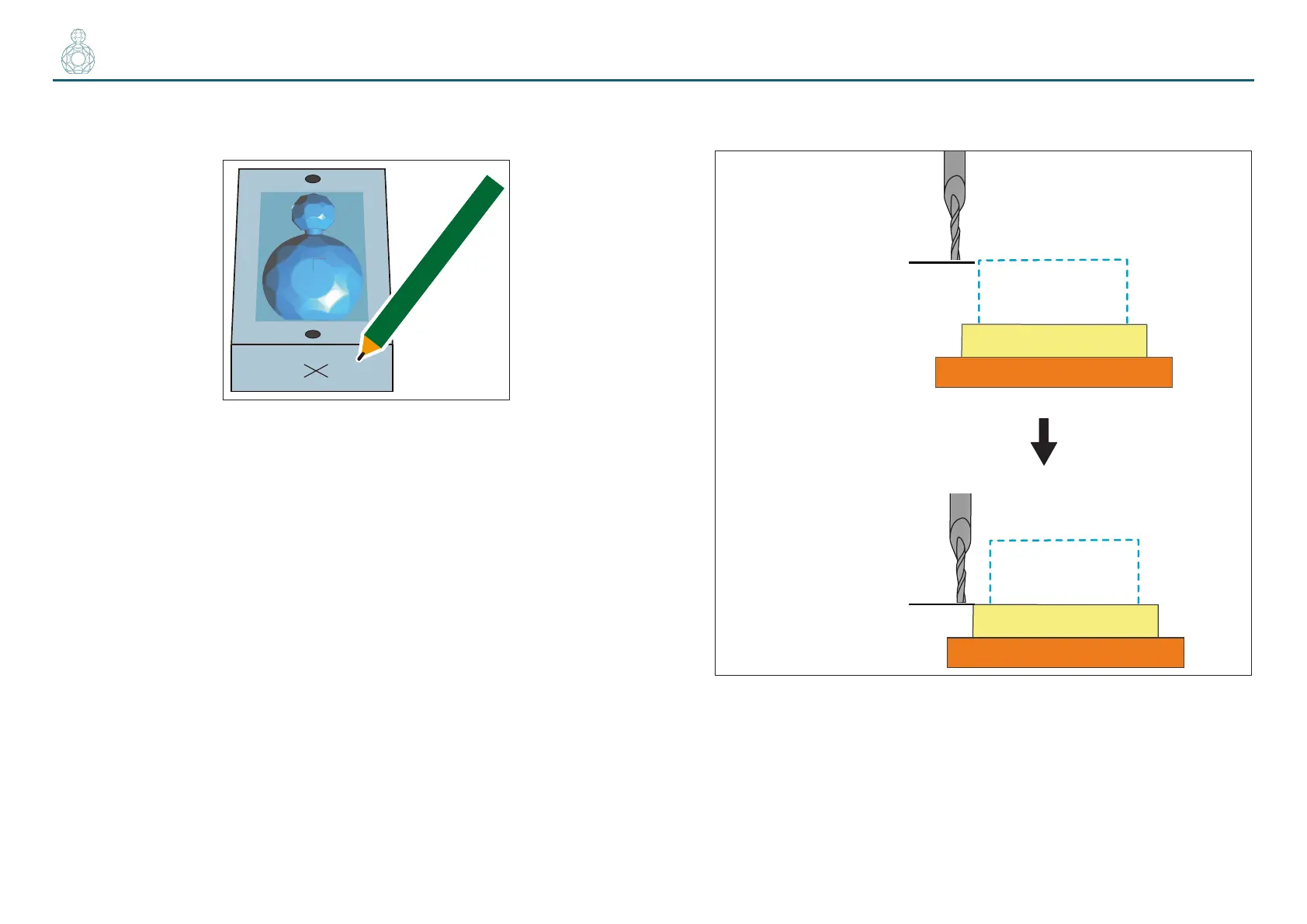
3. Make a mark on the material to ensure that you do not confuse the
side to be reversed.
4. Adjust the Z origin so that it ts the scrap board while leaving the
other origins intact.
4-1.
Click the [-Z] feed button on VPanel to bring the tip of the cutting tool as
close to the top surface of the scrap board as possible.
4-2.
Loosen the set screw of the machine and bring the tip of the cutting tool
into contact with the top surface of the scrap board.
4-3.
Using the set screw, fasten the cutting tool again.
4-4.
Click [Z] of set origin point on the VPanel.
Set the Z origin alone, referring to steps 2 to 5 in “STEP 3 : Set the Origin
Point” (p. 22).
* Failure to do so would cause the cutting tool not to reach the scrap board,
being unable to cut it.
Material
Scrap Board
Table
Z origin point
Material
Scrap Board
Table
Z origin point


 To Next Page