Creating a MODELA Player 4 File
81
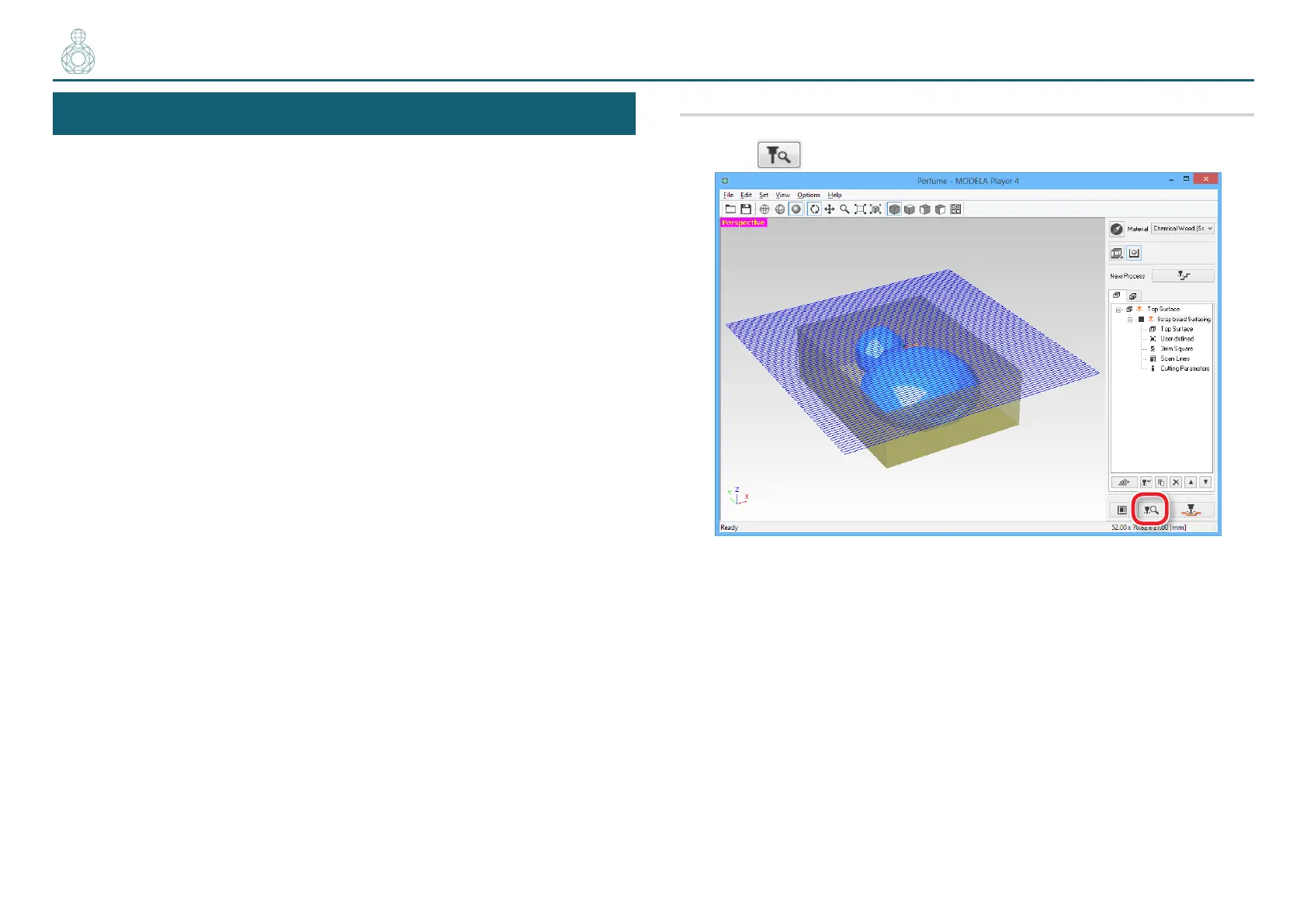
STEP 8 : Conrm the Cutting Preview
You can view in 3D and simulate the tool path and cutting tool movement
that were set in MODELA Player 4 using the included Virtual MODELA
application software. You can also check the estimated cutting time.
"Download ”http://startup.rolanddg.com”
Procedure
1. Click [Cutting Preview].
〇〇〇〇〇〇〇●〇〇〇〇〇



 To Next Page