Creating a MODELA Player 4 File
93
STEP 11 : Set the Finishing Process
Finishing
The nishing process cuts the nely detailed portions according to the
shape of the data. A cleaner nish can be obtained by eectively using the
types of cutting tools.
Procedure
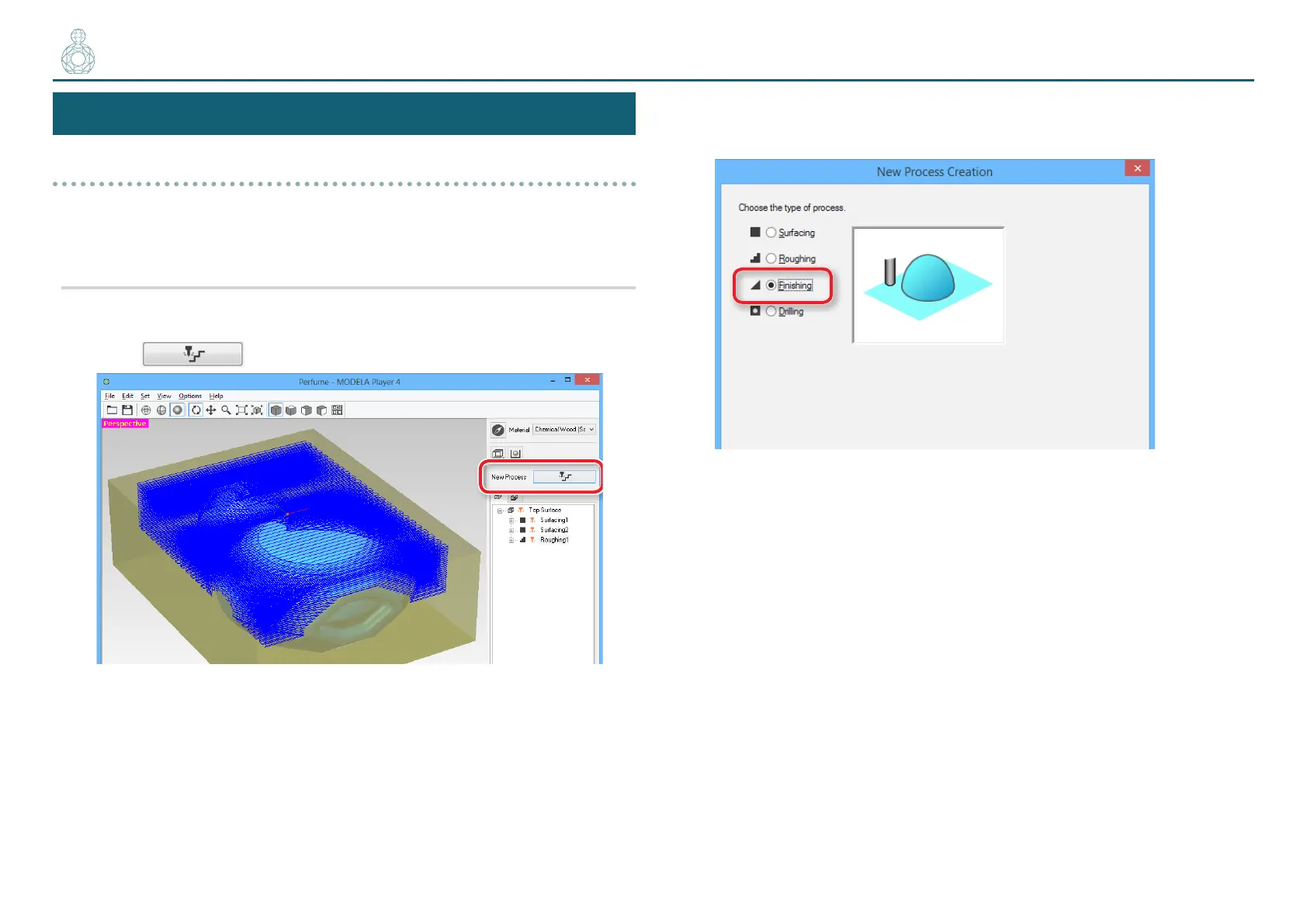
1. Create the nishing process.
Click [New Process].
2. Set the type of process.
Select [Finishing] and click [Next].
〇〇〇〇〇〇〇〇〇〇●〇〇



 To Next Page