Creating a MODELA Player 4 File
92
9. Check the cutting preview by Virtual MODELA.
"“STEP 8 : Conrm the Cutting Preview” (p. 81)
When simulation can be checked again, click
(Redo Cutting)
.
Note : “Perfume.stl“
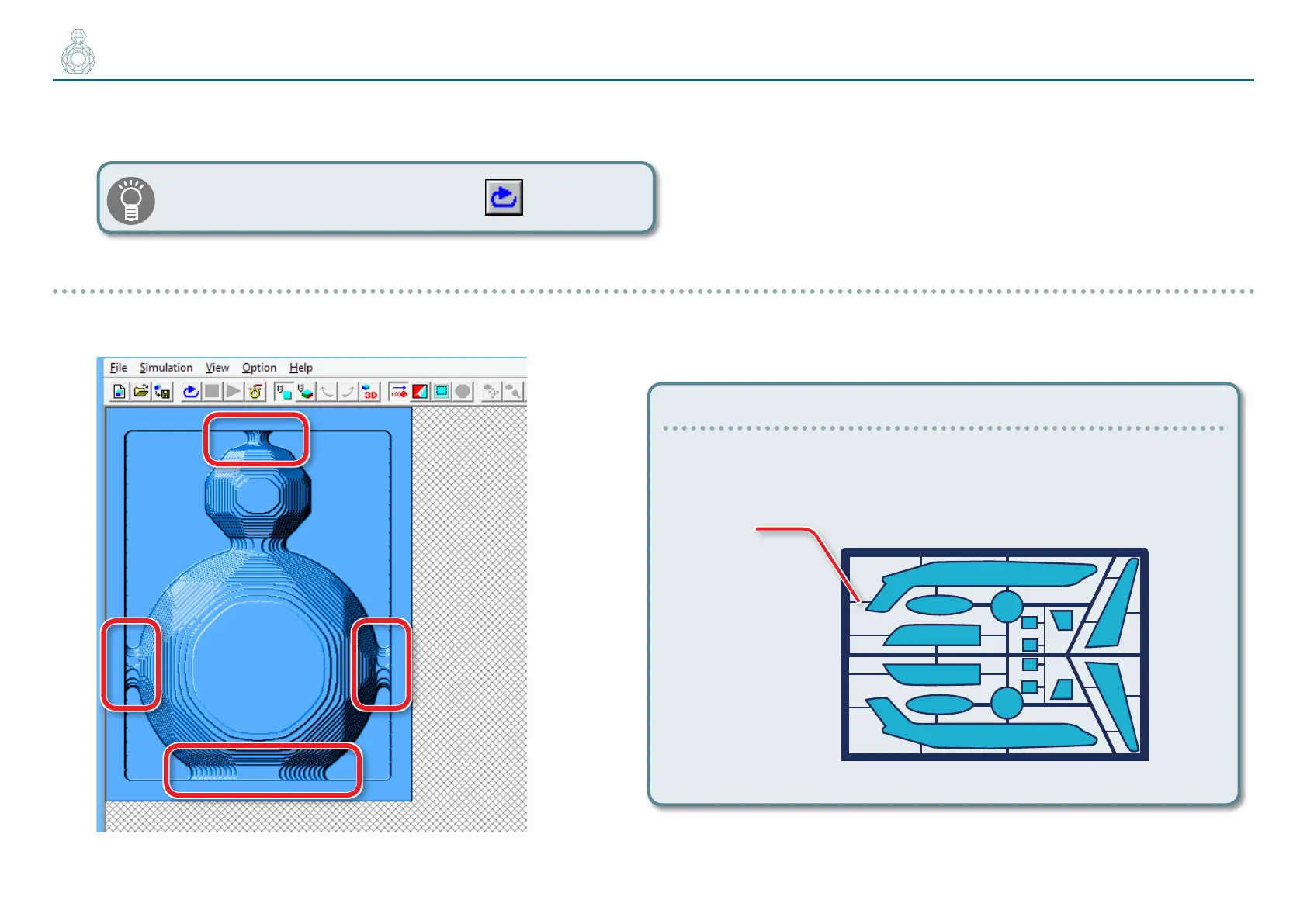
In this manual, the cutting width is adjusted to create supports. If there are no supports, the cut areas will not be xed and cutting will not be possible.
When checking data in Virtual MODELA, check that the areas in the red boxes are present.
Supports
“Supports” are the parts of the frame that support the material and
the object being cut. They are often seen in plastic models and similar
products.
Supports



 To Next Page