Preparing the Machine
7
STEP 2 : The Machine Run-in
When the machine must be run-in
• When the machine is rst set up
• When the consumable part is replaced
• When the machine is not used for a prolonged period
Go to the “STEP 3 : Conrm the Command Set” (p. 9), when the
machine does not need to run-in.
Procedure
1. If a material, or cutting tool is mounted on the machine, remove it.
2. Start VPanel.
"User's Manual “Start VPanel”
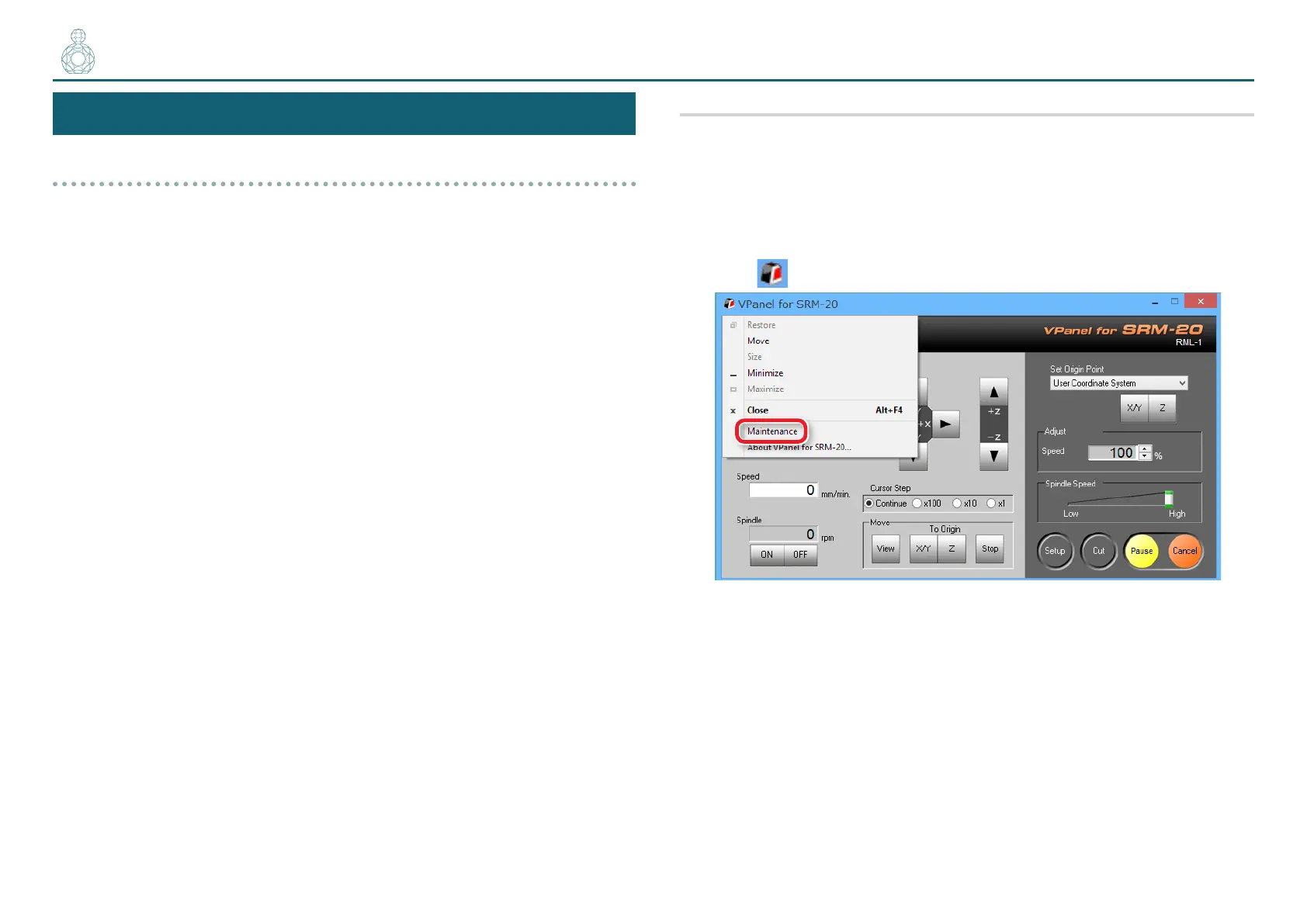
3. Click at the upper left of a screen, and click [Maintenance].
〇●〇〇〇



 To Next Page