Creating a MODELA Player 4 File
73
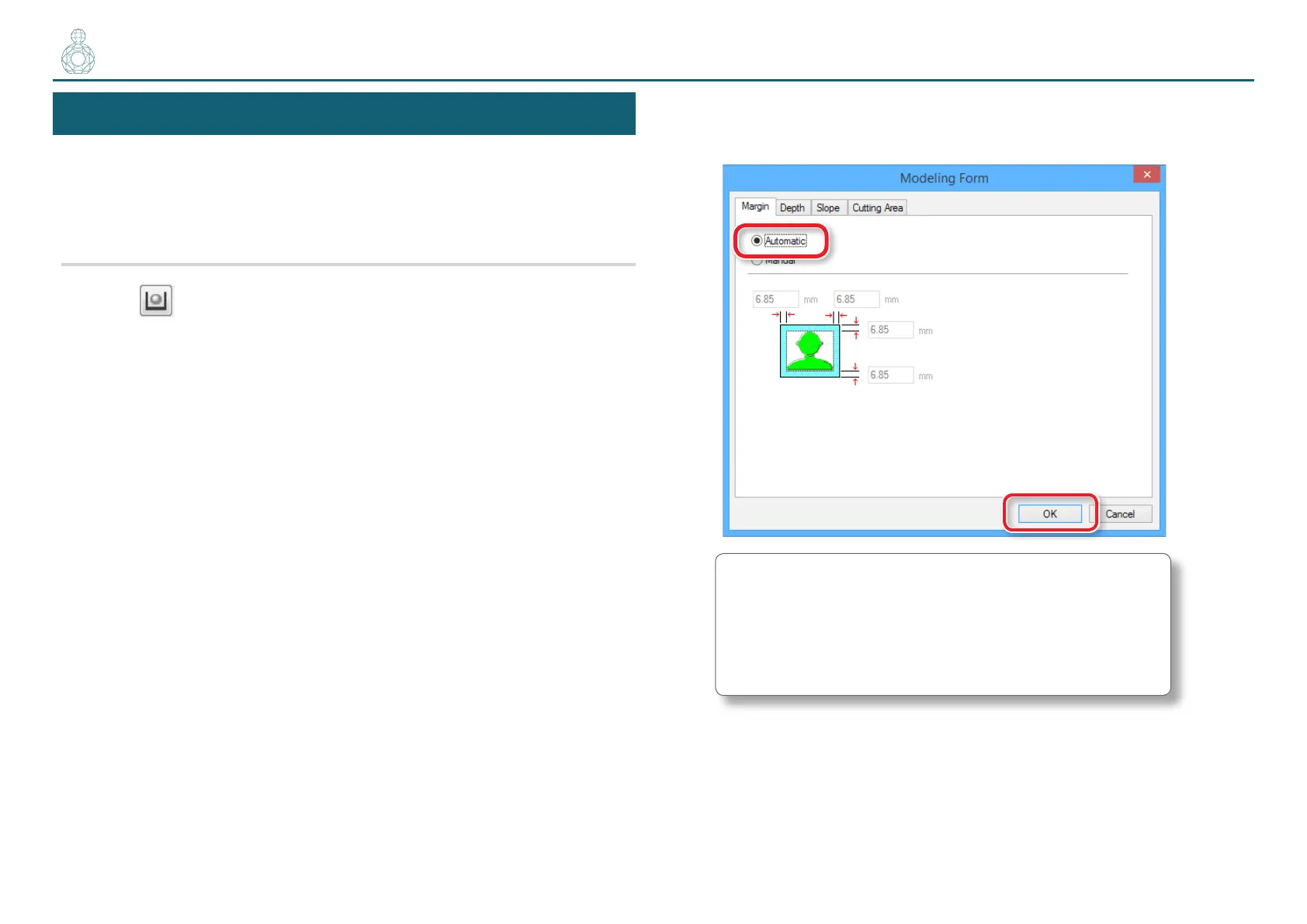
STEP 6 : Set the Margin
Make settings for the space around the model to provide approach paths for
the cutting tool.
"User’s Manual “The Cutting Area is Dierent Depending on the
Margin Settings”
Procedure
1. Click [Modeling Form].
2. Select the margin setting.
“Perfume.stl” : [Automatic] [OK]
[Automatic]
Sets a front and rear, right and left margin of 6.85 mm.
[Manual]
Enter the desired margin space.
〇〇〇〇〇●〇〇〇〇〇〇〇



 To Next Page