Creating an SRP Player File
35
STEP 3 : Determine What to Do
Procedure
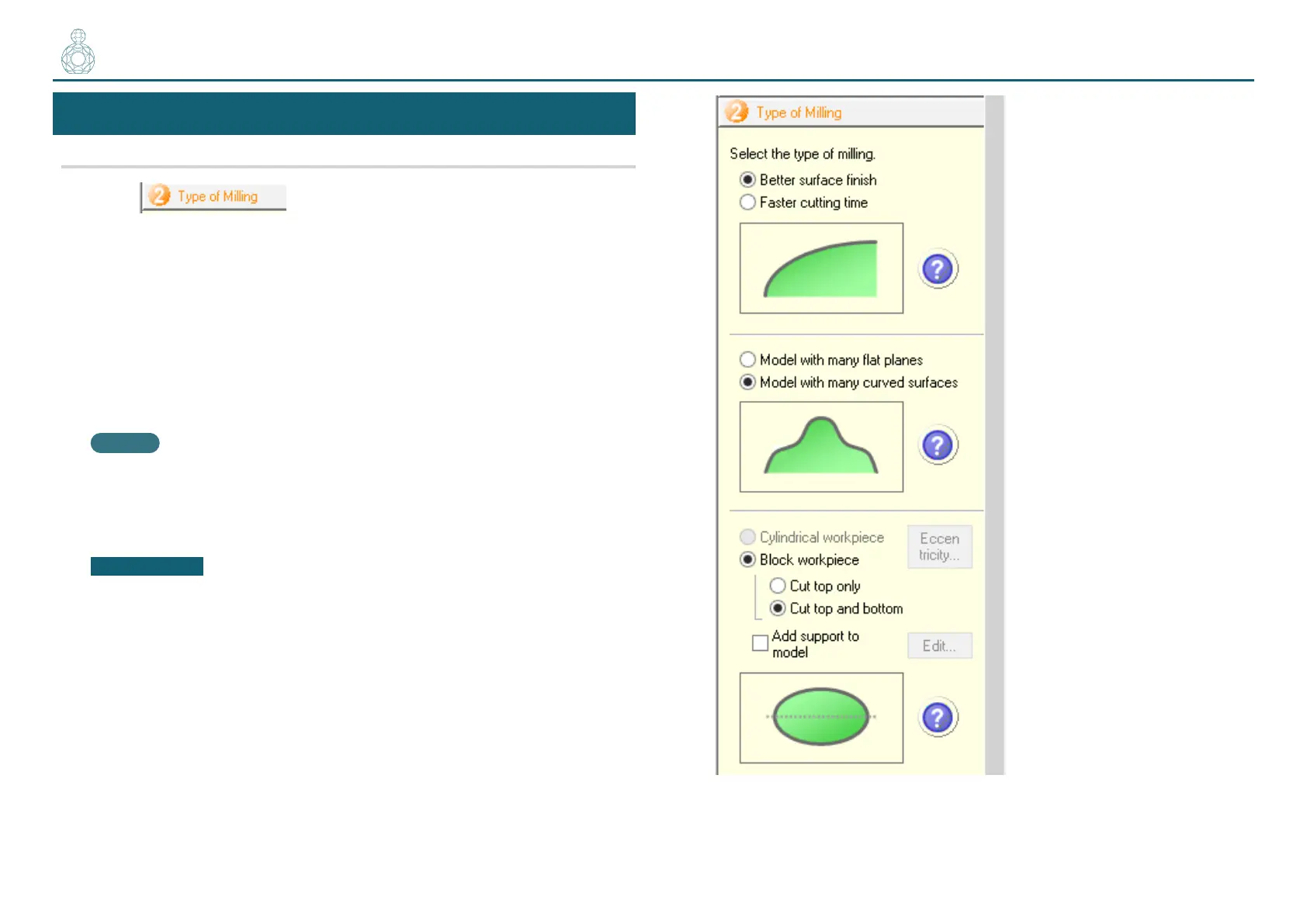
1. Click .
2. Select any options that suit your needs.
This example assumes that the following options are congured:
• [Better surface nish]
• [Model with many curved surfaces]
• [Block workpiece]
[Cut top and bottom]
MEMO
For details on selection criteria, see the [Help].
"User’s Manual “Display Help Dialog”
IMPORTANT
You have to congure all the settings before you can proceed to STEP 3.
〇〇●〇〇



 To Next Page