Creating an SRP Player File
34
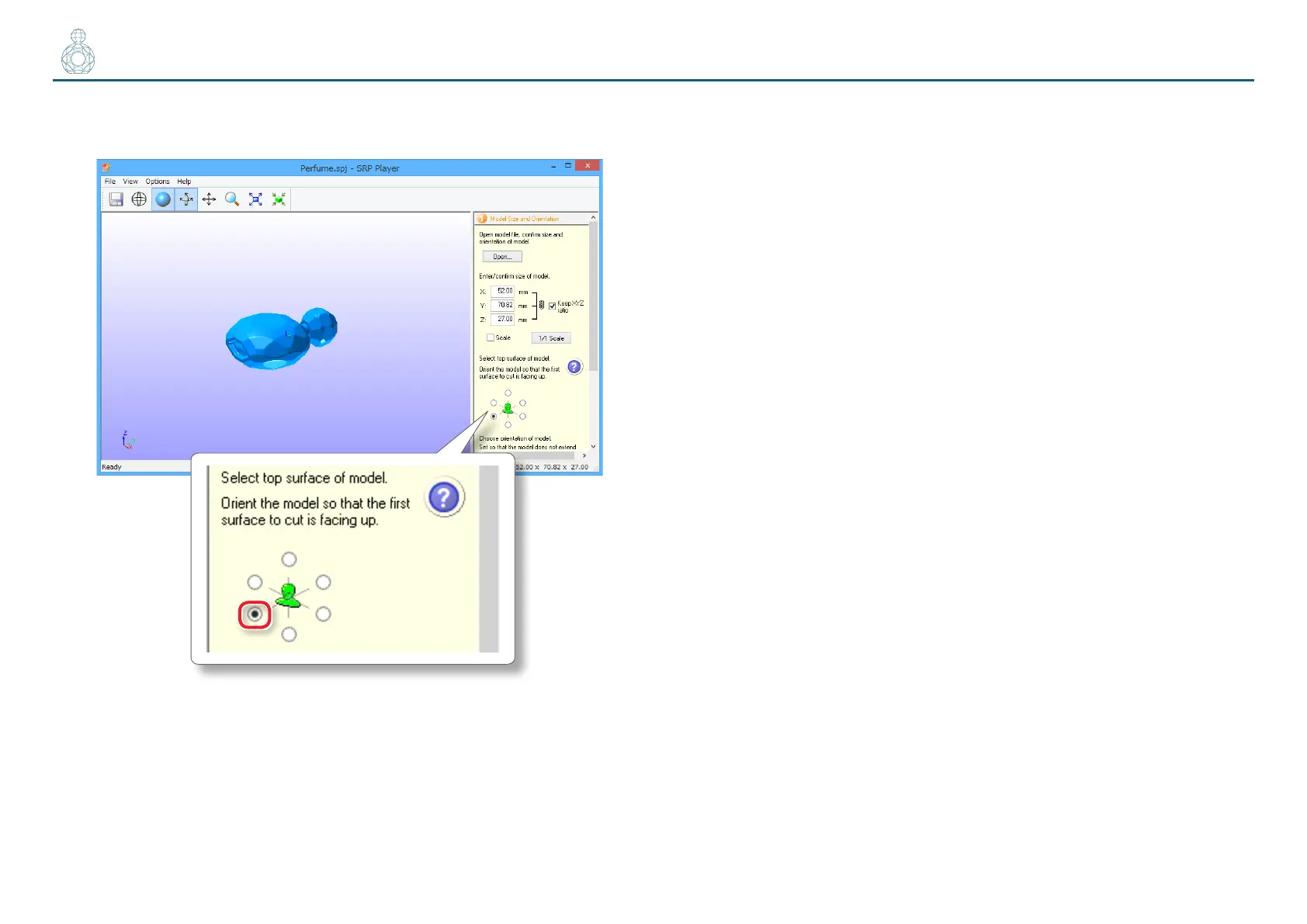
4. Select the top surface of the cutting data model.
Turn up the face that will be ground rst.
Changing the top surface changes the X, Y, and Z dimension values as well.
A message appears if the size exceeds the movable range of the machine.
Change the size of the model according to a message.



 To Next Page