32
Creating an SRP Player File
STEP 2 : Determine the Size and Orientation of the Model
Load an IGES, DXF (3D), or STL format le to set the size and orientation.
"“Sample Cutting Data” (p. 17)
MEMO
For details on how to change the settings, see the [Help].
"User’s Manual “Display Help Dialog”
Procedure
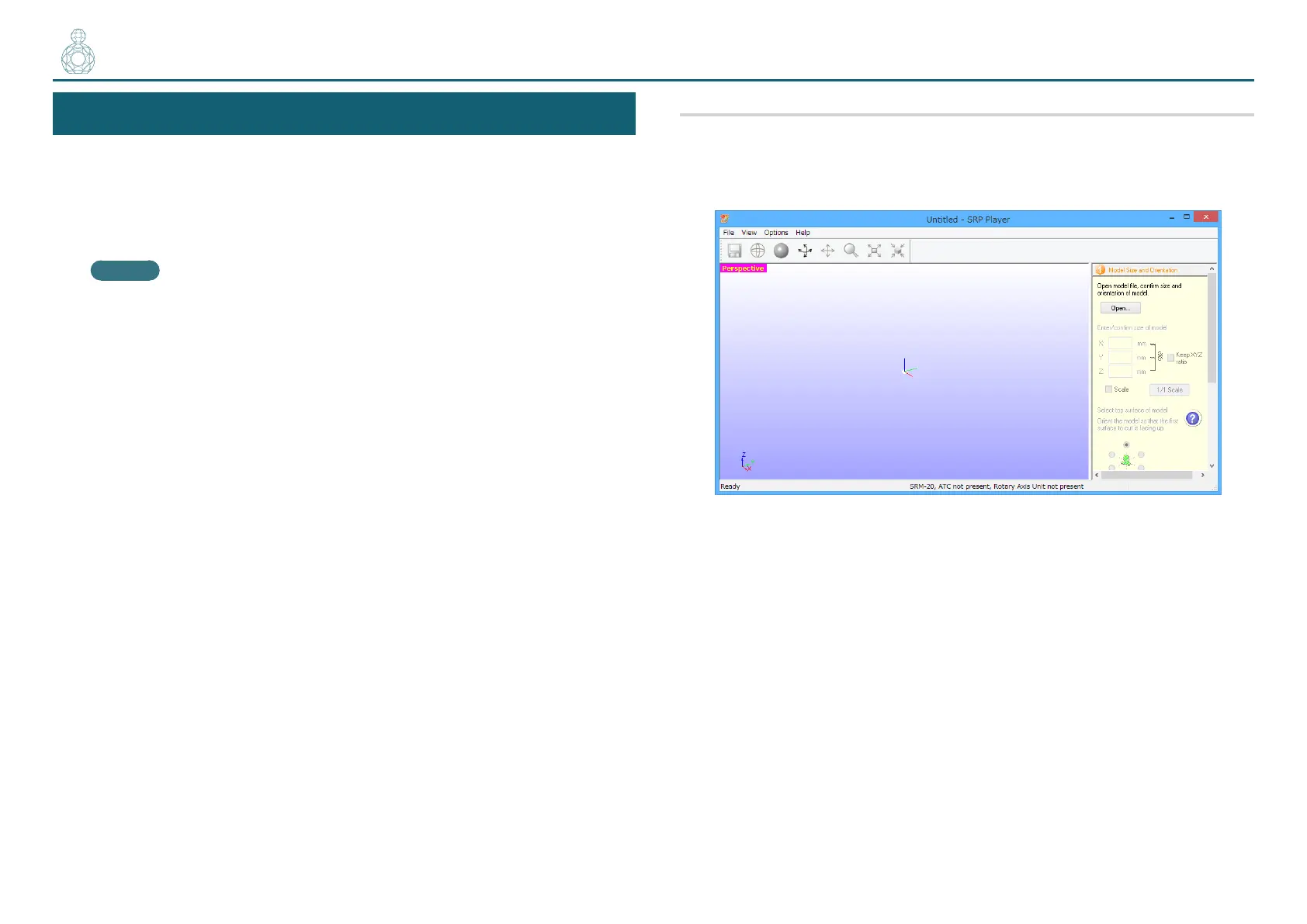
1. Start SRP Player.
"User’s Manual “Starting SRP Player”
〇●〇〇〇



 To Next Page