Creating an SRP Player File
40
STEP 5 : Preview the Result of Cutting
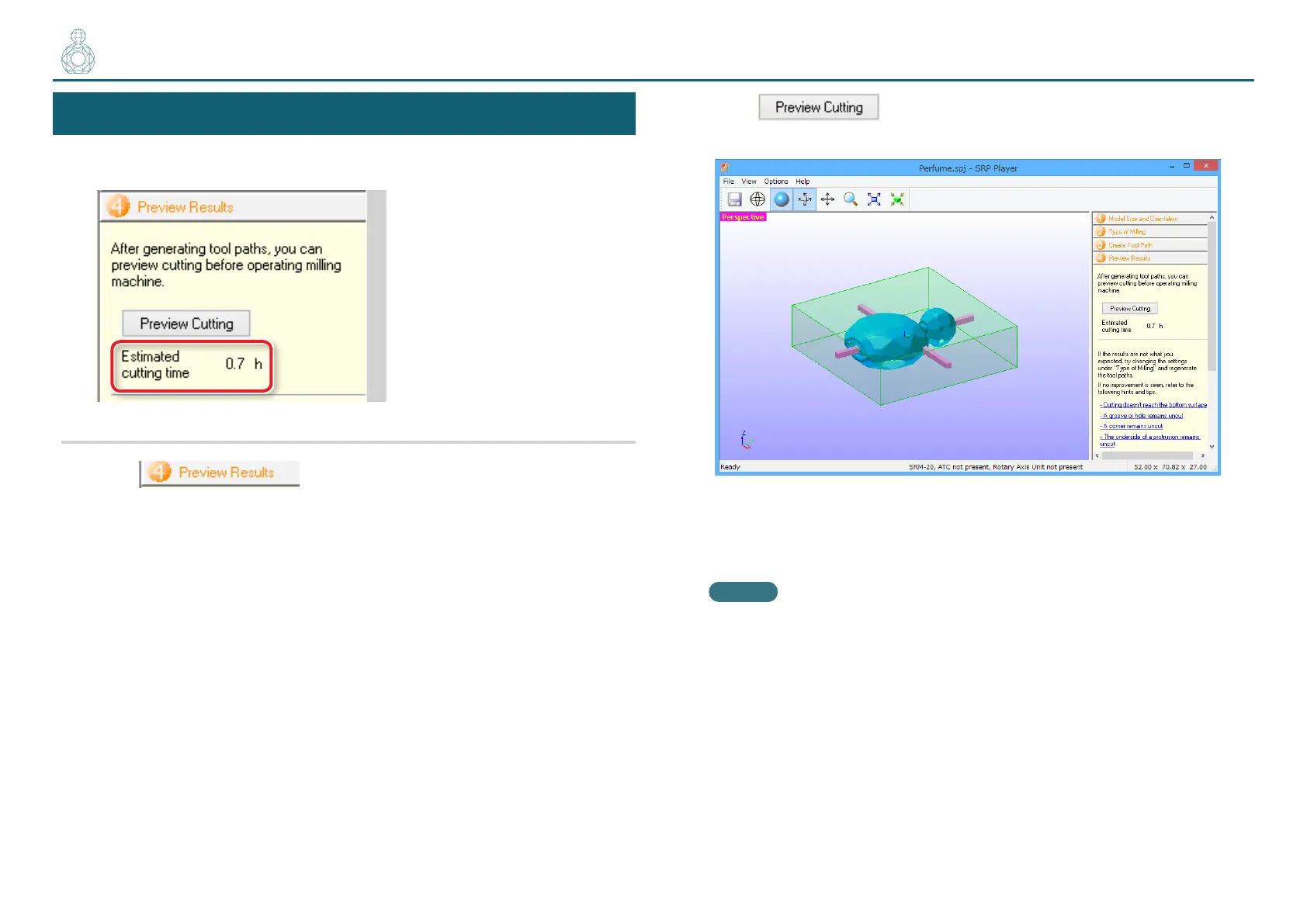
You can display a 3D preview of the result of cutting for simulation. You can
also check a rough guide for the time that it will take for cutting.
Procedure
1. Click .
2. Click .
The main view displays the preview.
If the preview is satisfactory, proceed to “Cutting”.
"“Cutting (Double Sided)” (p. 41)
MEMO
You can save the cutting data by clicking [File] [Save As...].
〇〇〇〇●



 To Next Page