Cutting (Double Sided)
44
2. Open the pallet.
3. Click .
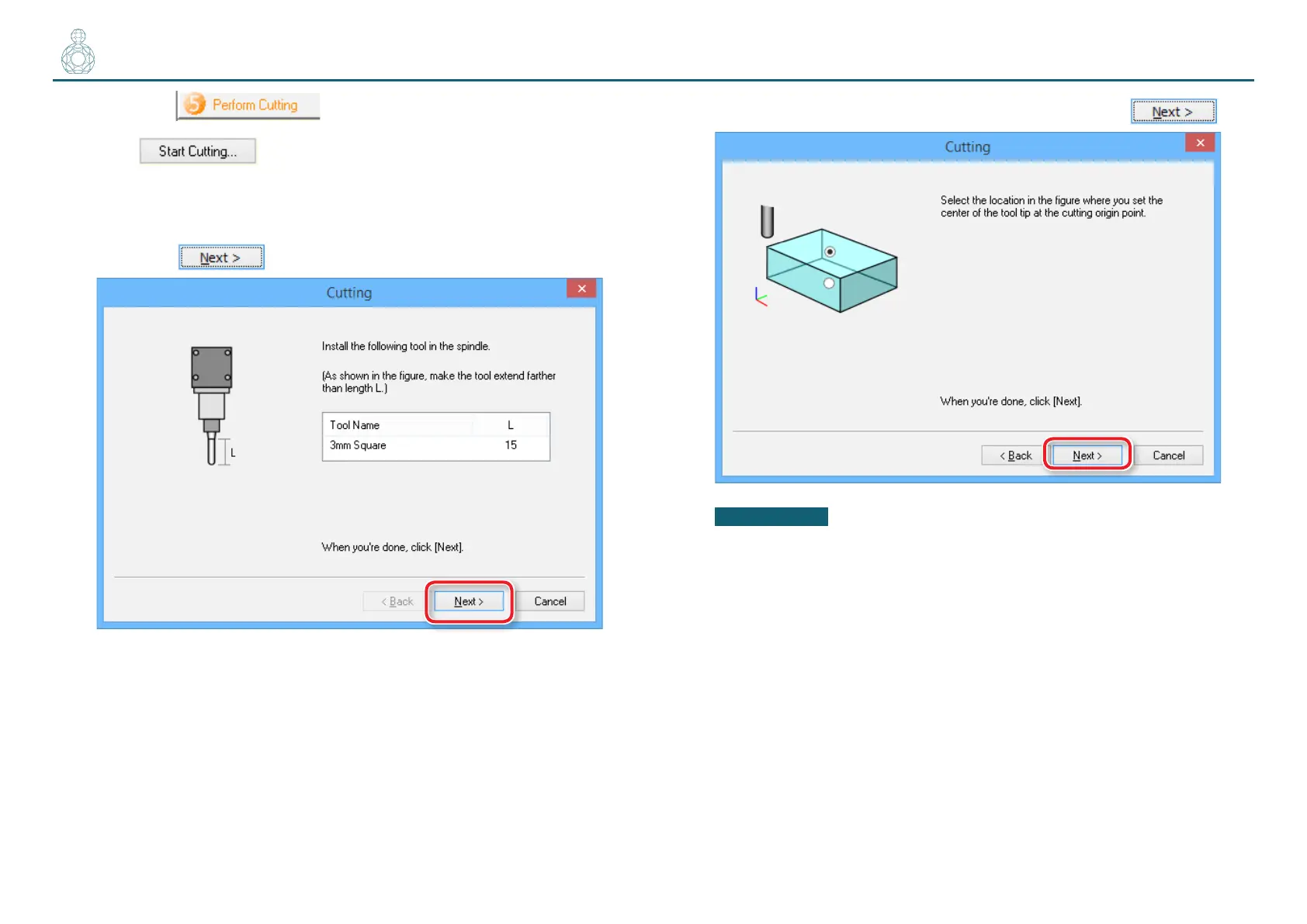
4. Check if the cutting tool is installed as shown in the dialog and
then click .
5. Select the top surface of the material and then click .
IMPORTANT
Before starting the cutting processes, double-check that the origin point
exists on the top surface of the material.
If the origin point is incorrectly positioned, the machine may fail to cut the
workpiece as expected or break down.



 To Next Page