DVR Server Manual
Besides, user can Double-Left-Click a selected window to enlarge i t. You
can restore it by the same way. You can also press
F11 on the keyboard to do
the same operations.
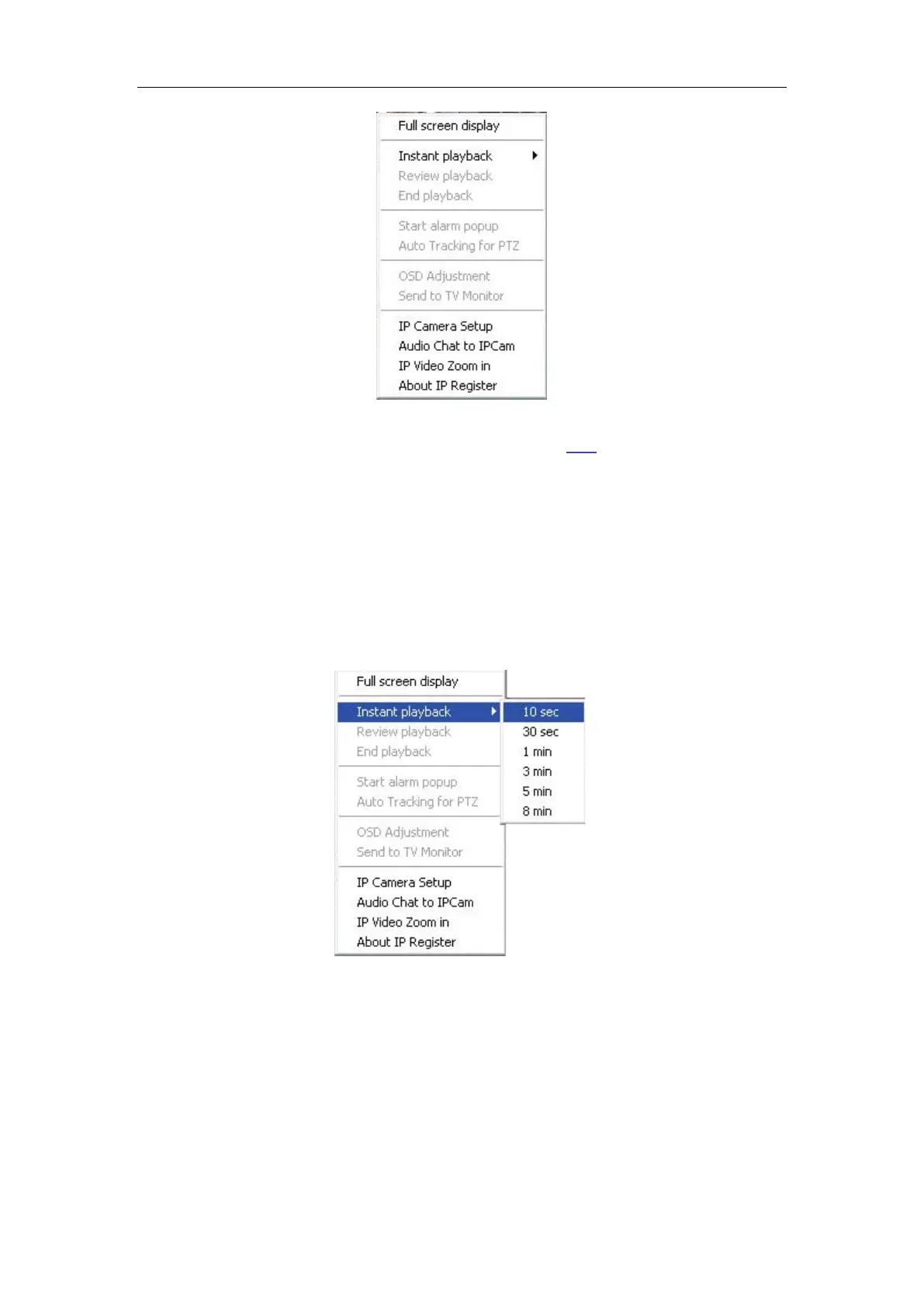
2. Instant playback
Single-Right-Click desired camera window and select Instant playback
(IP cameras included). After that, choose a time from the submenu, and then
system will play back video data of current camera in current window
according to your selection (E.g.: you select 10 seconds, system will play back
previous 10 seconds video data of current camera in current window).
Also, you can play back video data of one current live camera in a window
that is not used by any cameras (always black background with no “Video
Loss” information): Select a window, and then Single-Right-Click it to select
“Instant playback”. Finally, choose a time and the camera you want to playback,
and then system will play back video data in current window according to your
selection.



 To Next Page