DVR Server Manual
If it is set to appear automatically, when the sensor is triggered, the map
will appear automatically and the sensor being triggered will be marked. For
triggered camera, user can Left-Double-Click it to view its video.
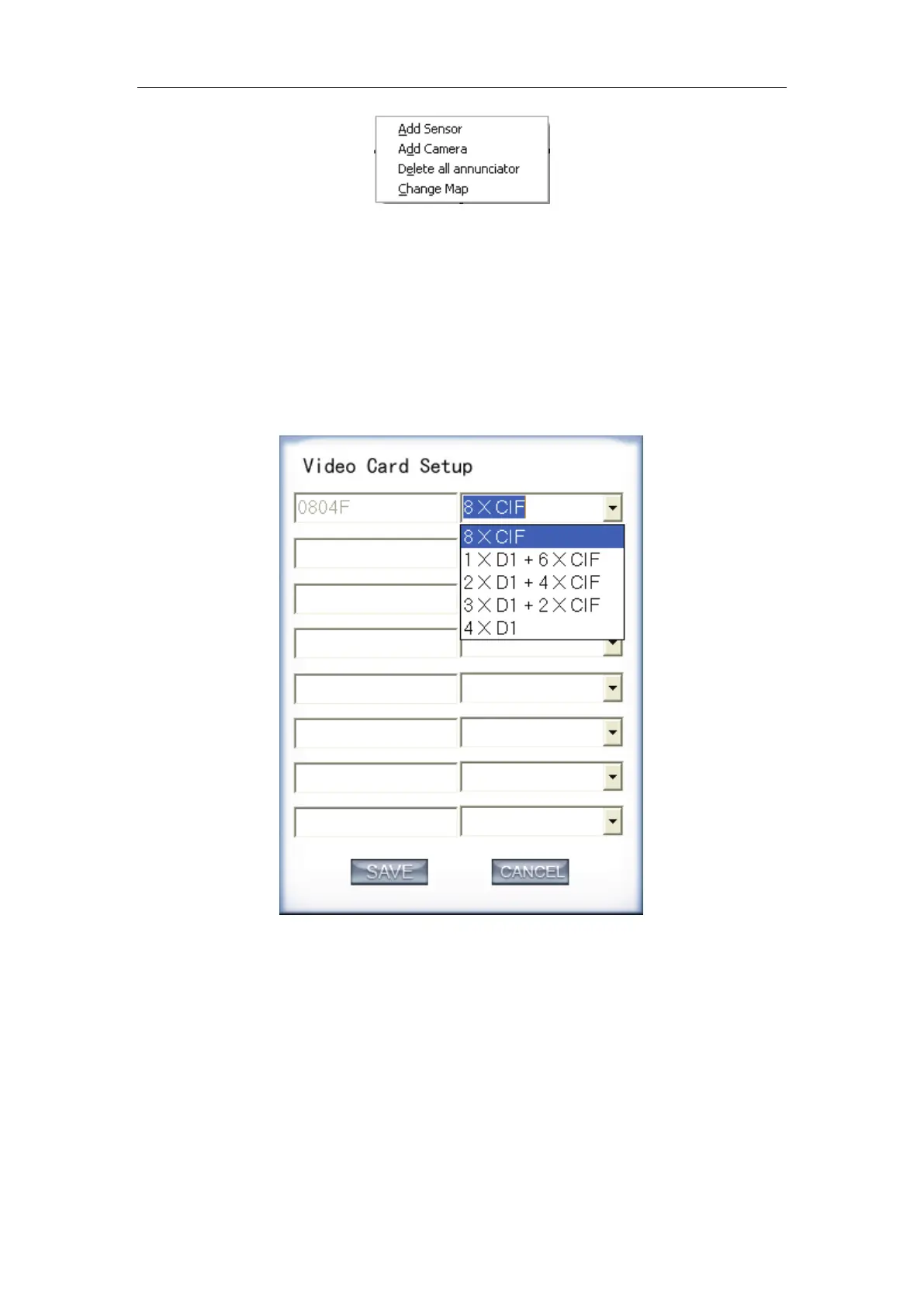
12. DVR board work mode setup
Each DVR system supports maximum 8 PCs VEC series card (total
channel is equal to 64) series board, so user can set its work mode via this
GUI.
The new work mode of DVR board will take effect after rebooting DVR
Server software.
13. Keyboard Shortcuts setup
If you don’t want to use certain shortcut keys, you can disable the shortcut
functions and save the setup.



 To Next Page