DVR Server Manual
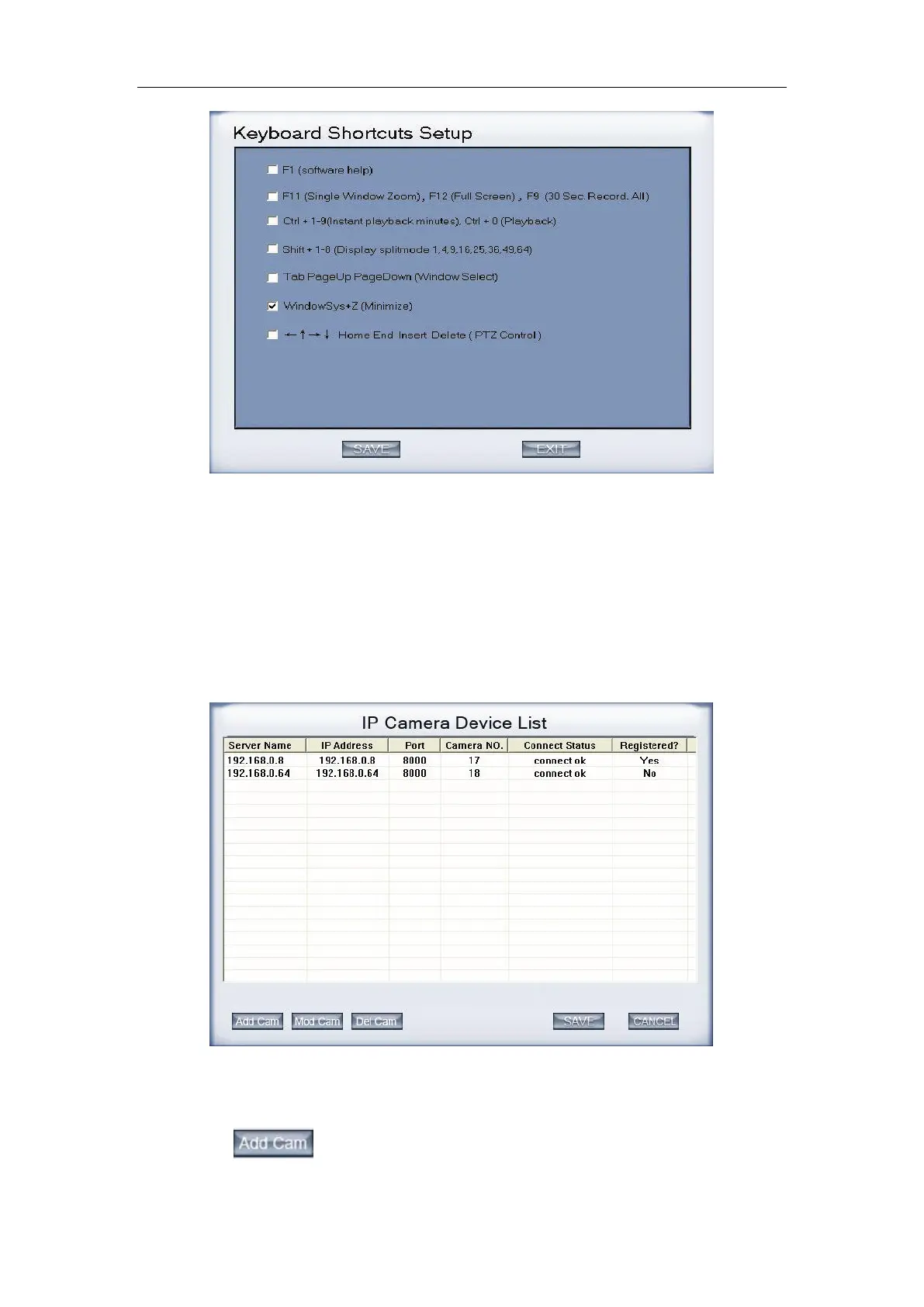
14. Add/Del IP Camera
Press this bar to add IP Module to DVR system. For resource limitation,
you can add max 64 IP Modules, including DVS and EM DVR. Now our
software supports the following types of IP products: NV Series IP/EMDVR,
DG Series EMDVR, DG Series IPC, Dahua Series IP, Sony SNC110/160, ACTi
Series IP, Huviron Series IP, Mobotix M12 Series IP and ArecontVision Series
IP.
(1). Add IP camera device
Press button to add an IP Camera device:



 To Next Page