DVR Server Manual
【Name】 Set the name for the current preset. 【Preset】 Set the preset
number for the current camera
Setup the preset by current
configuration.
Delete the finished Preset. Call the Preset if
the Mode is Call preset. The mode is save preset; you should save the preset
and shouldn’t call the preset.
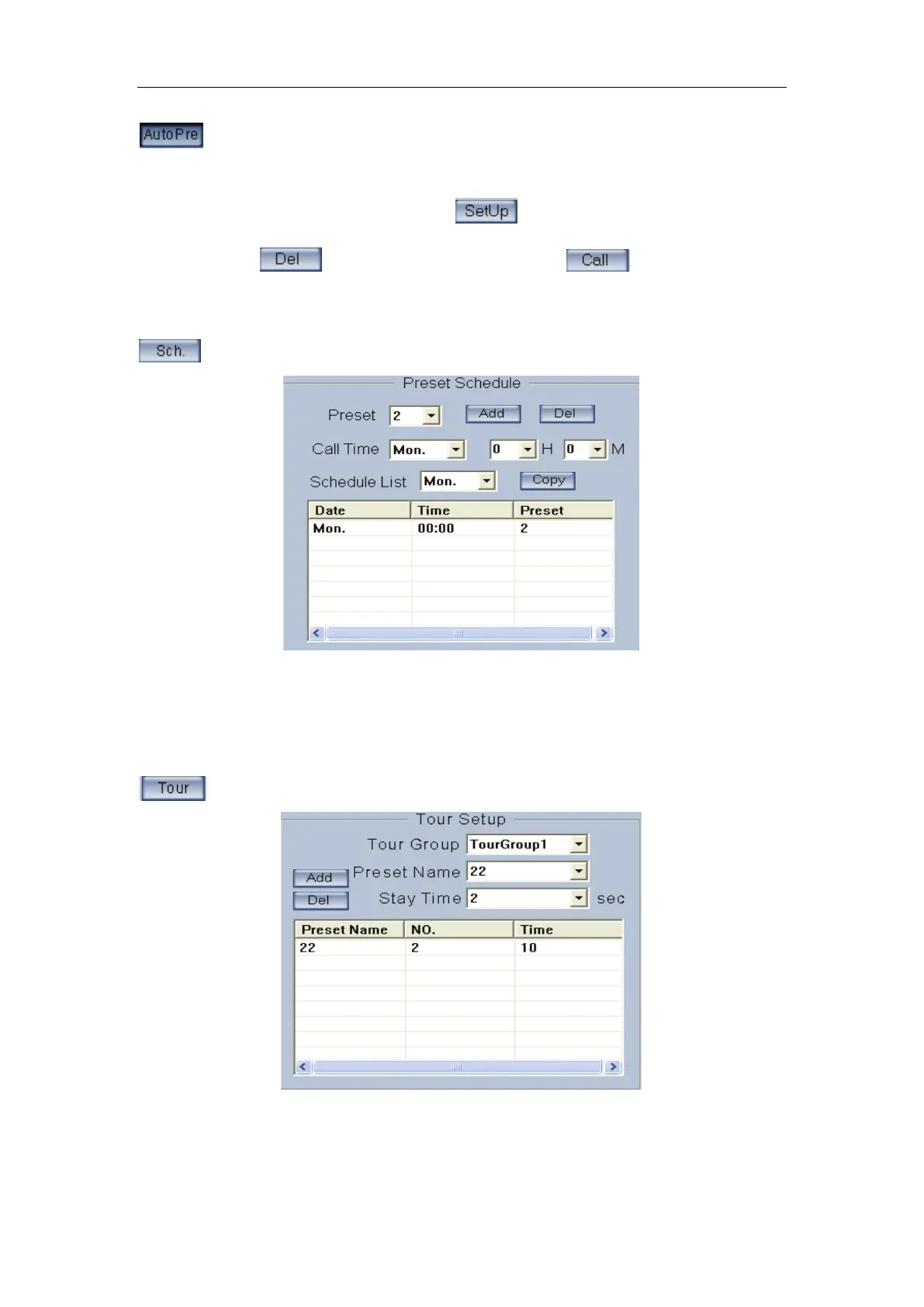
【Preset】It can add the preset into the Preset Schedule, the preset set
completed in the Auto Pre yet.
【Call Time】【 Schedule List】Set the time of the preset should be call at
that time.
Tour Group
Add the Preset cameras into the Tour Group and set the Stay Time for one
tour group.



 To Next Page