________________________________________________________________________________________________________
1592025400 – Vers. 1.0 - 104
-
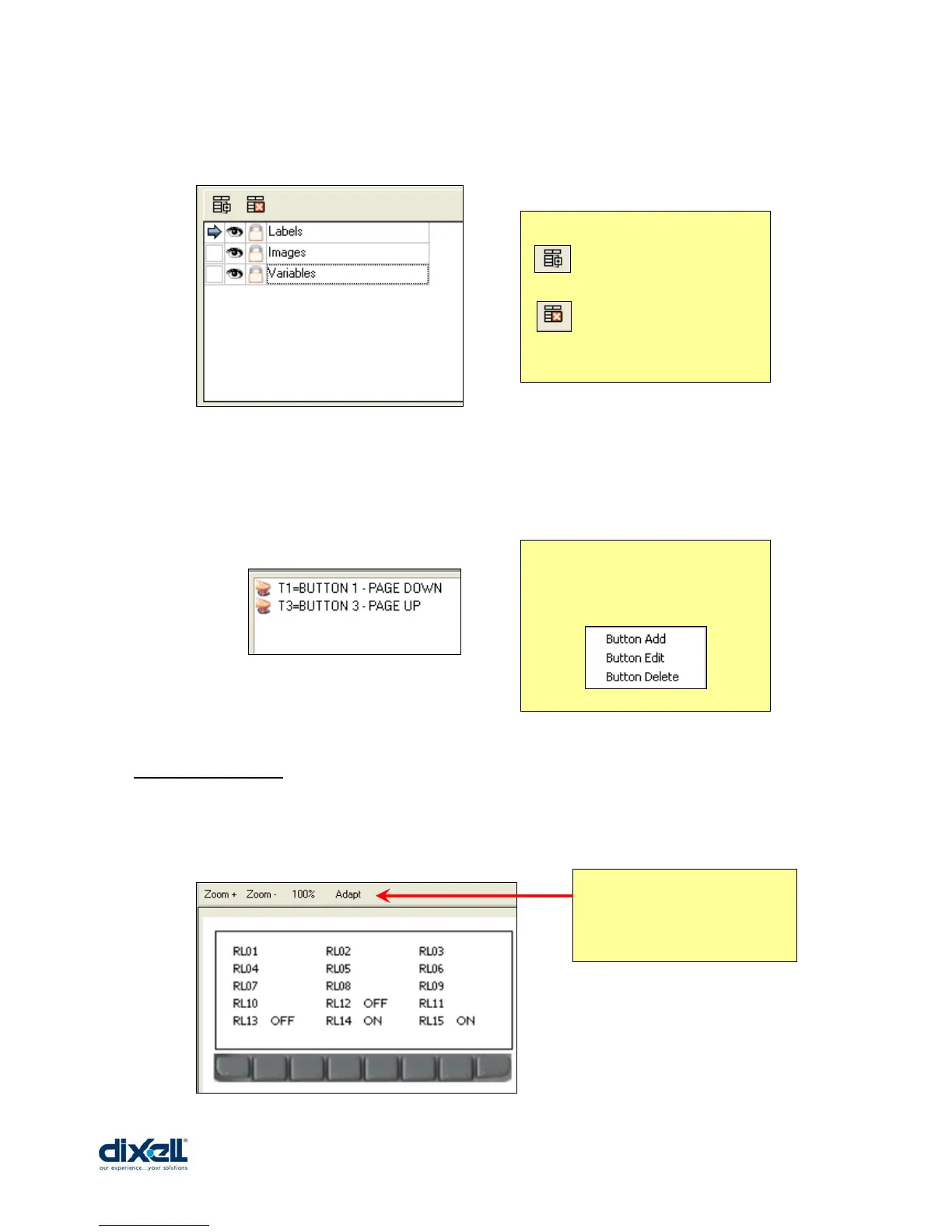
In the second window it is possible to put the controls in different layers.
For each single layer it is possible to set the visibility, lock/unlock and name.
In the third window it is possible to manage the buttons for each stage; here you can add,
edit and delete the buttons as well as the functionality.
13.5.2 Main View
To check the status of your stage, in the Main View stage you can preview the stage; here
you can see the result that will be showed in the display.
Æ to add a new layer
Æ to delete a layer
Inside this windows with the
right button of the mouse you
can open the following
menu:
With these icons you can
modify the dimension of
the picture.















 To Next Page