________________________________________________________________________________________________________
1592025400 – Vers. 1.0 - 22 -
5. HOW TO START
5.1 Ethernet 10/100 connection
With this connection is possible:
• To connect the iPRO with the personal computer; through ISaGRAF workbench you
download and debug the application.
• To connect more iPRO; different applications on different iPRO to exchanges
variables.
• To send mail and sms; you can program your iPRO so that it can sends mail/sms on
time or on demand.
• To visit your own website; you can program iPRO with your own web site. With a
standard browser, a user can read/write variables.
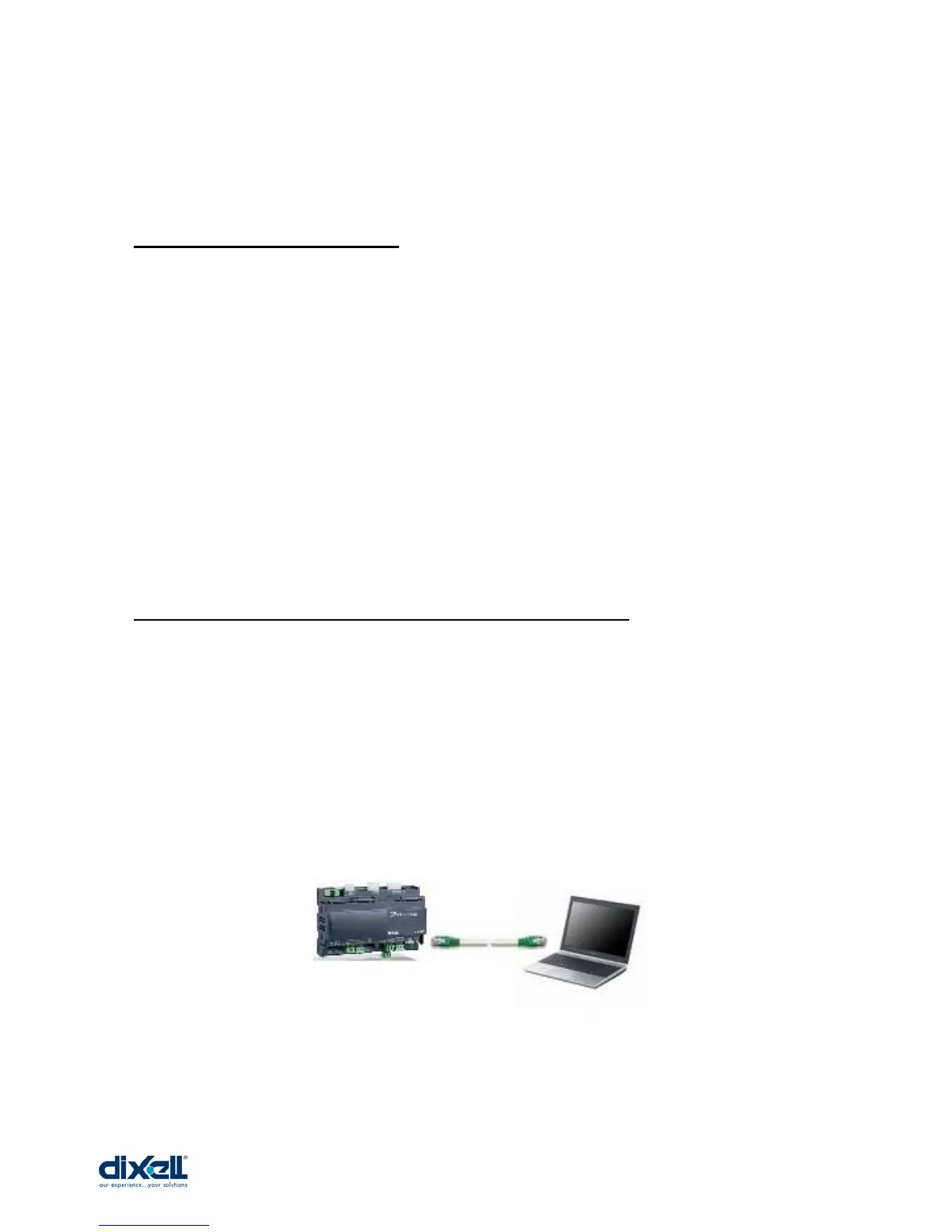
5.2 Direct connection (between iPRO and PC with a cable)
With this kind of connection is possible to connect directly your personal computer with the
programmable controller iPRO. In this case, you need a standard “Crossover Cable” (cod.
Dixell CAB/WEB/PC). The PC can communicate with the iPRO only if the settings in the
devices are aligned; this means that the PC and the iPRO have to work in the same
network.
The procedure is the following:















 To Next Page