________________________________________________________________________________________________________
1592025400 – Vers. 1.0 - 106
-
• Mask pointer to state list is the variable is showed as state (active only
with “State” checked)
• Read from Excel if checked (= 1) means that previous properties cannot change.
If unchecked (= 0) the application can change them.
• LimitMax variable upper limit (only if Read from Excel = 1)
• LimitMin variable lower limit (only if Read from Excel = 1)
• Decimals number of decimals
• ReadOnly
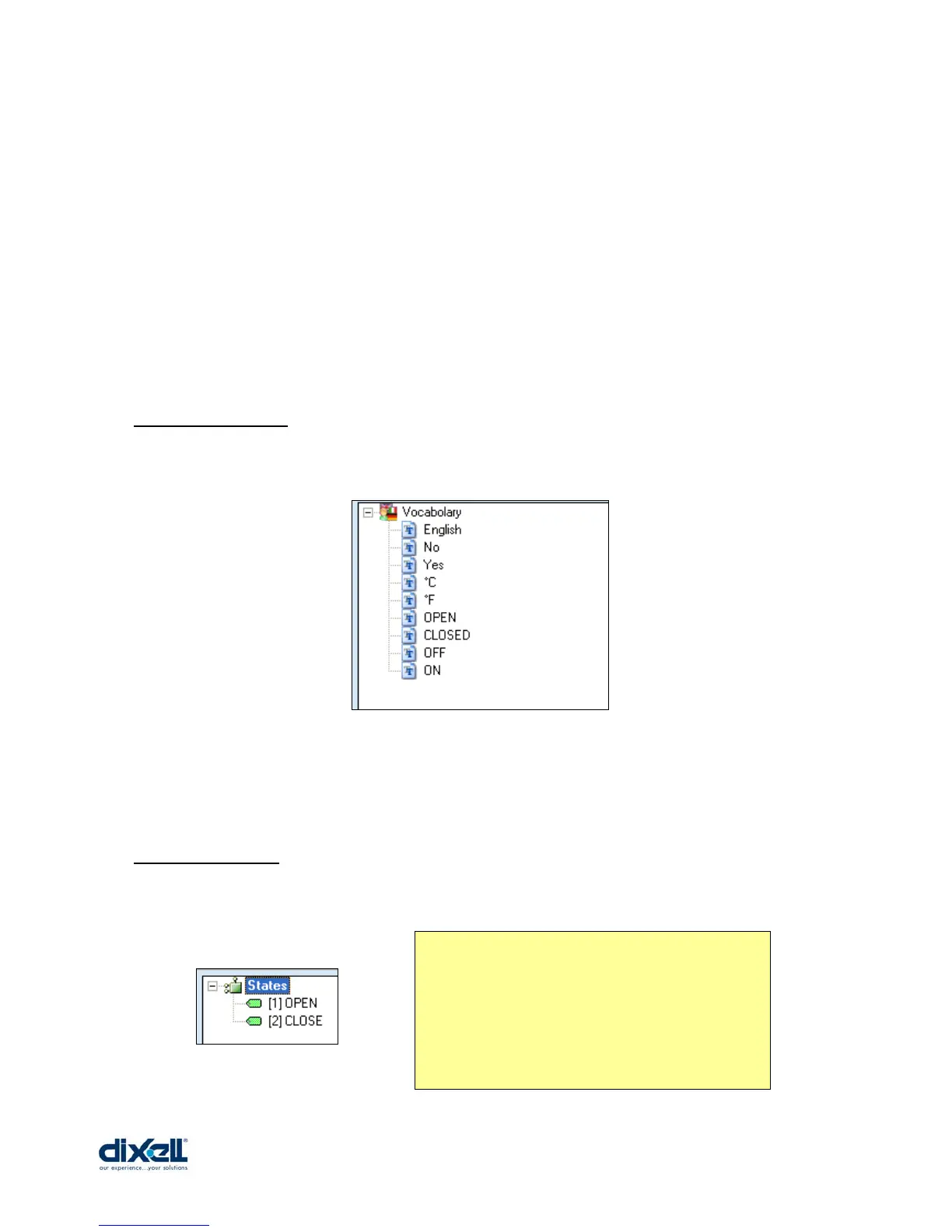
13.5.4 Vocabulary
In this tab you can see all the words defined in your vocabulary.
If in your project there are more languages, the vocabulary showed is the vocabulary
defined in the “Project Options”. In this case the active language is English.
13.5.5 View State
In this tab you can see all the states used in the human interface; the syntax is:
• [number] label
When the value of your variable is 1, in the
human interface will be visualized the label
OPEN; when the value is 2 will be
visualized CLOSE.
This is possible if your variable has been
set with State checked and Mask = 1.















 To Next Page