________________________________________________________________________________________________________
1592025400 – Vers. 1.0 - 85 -
11. VISOPROG INSTALLATION AND SET-UP
11.1 How to install VISOPROG software
To install VISOPROG software are necessary:
• Software CD.
• To have the PRODUCT KEY (provided by Dixell)
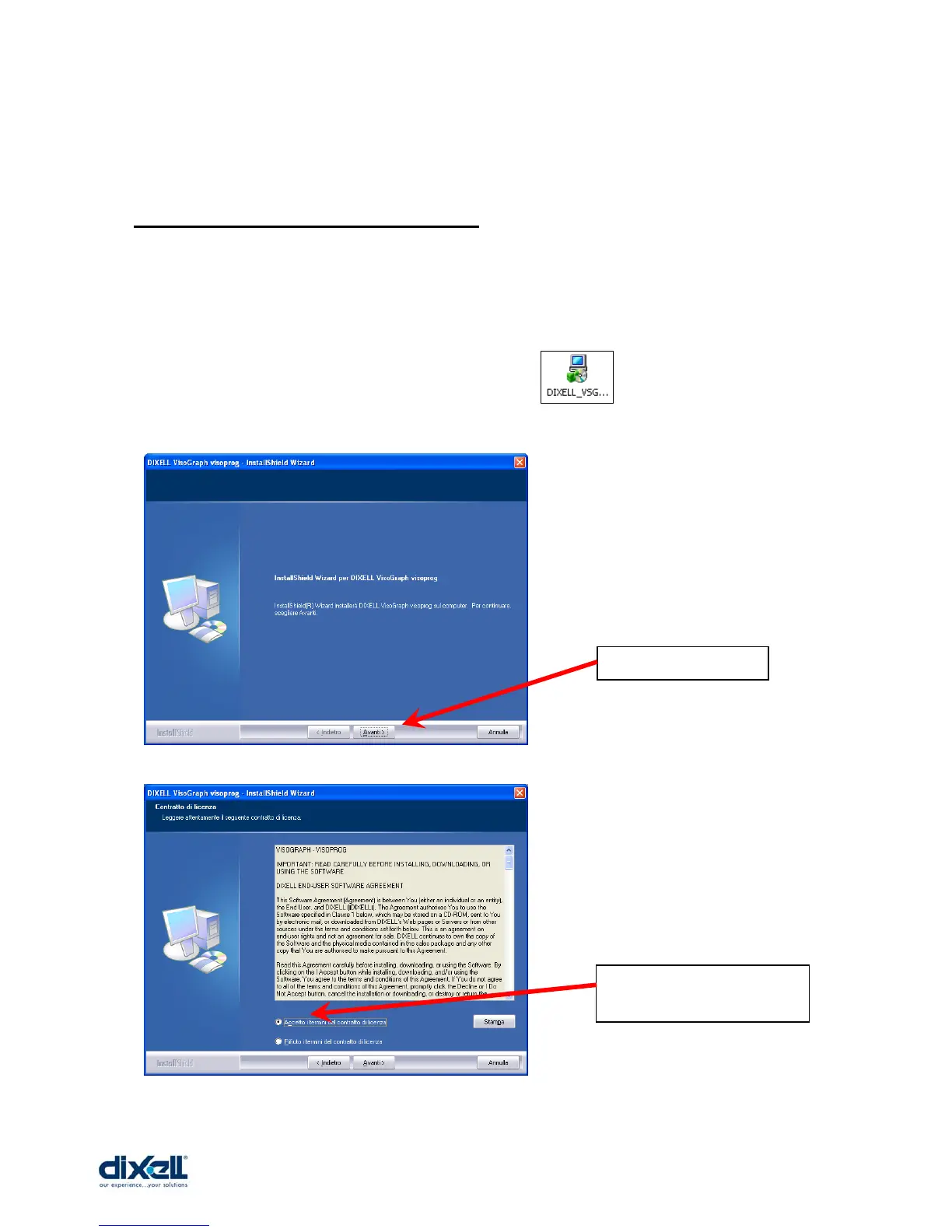
Insert the CD in your PC and launch the program and then follow the instruction
as showed here below
Choose “Avanti”.
Choose “Accetto….”,
then “Avanti”.















 To Next Page