________________________________________________________________________________________________________
1592025400 – Vers. 1.0 - 131
-
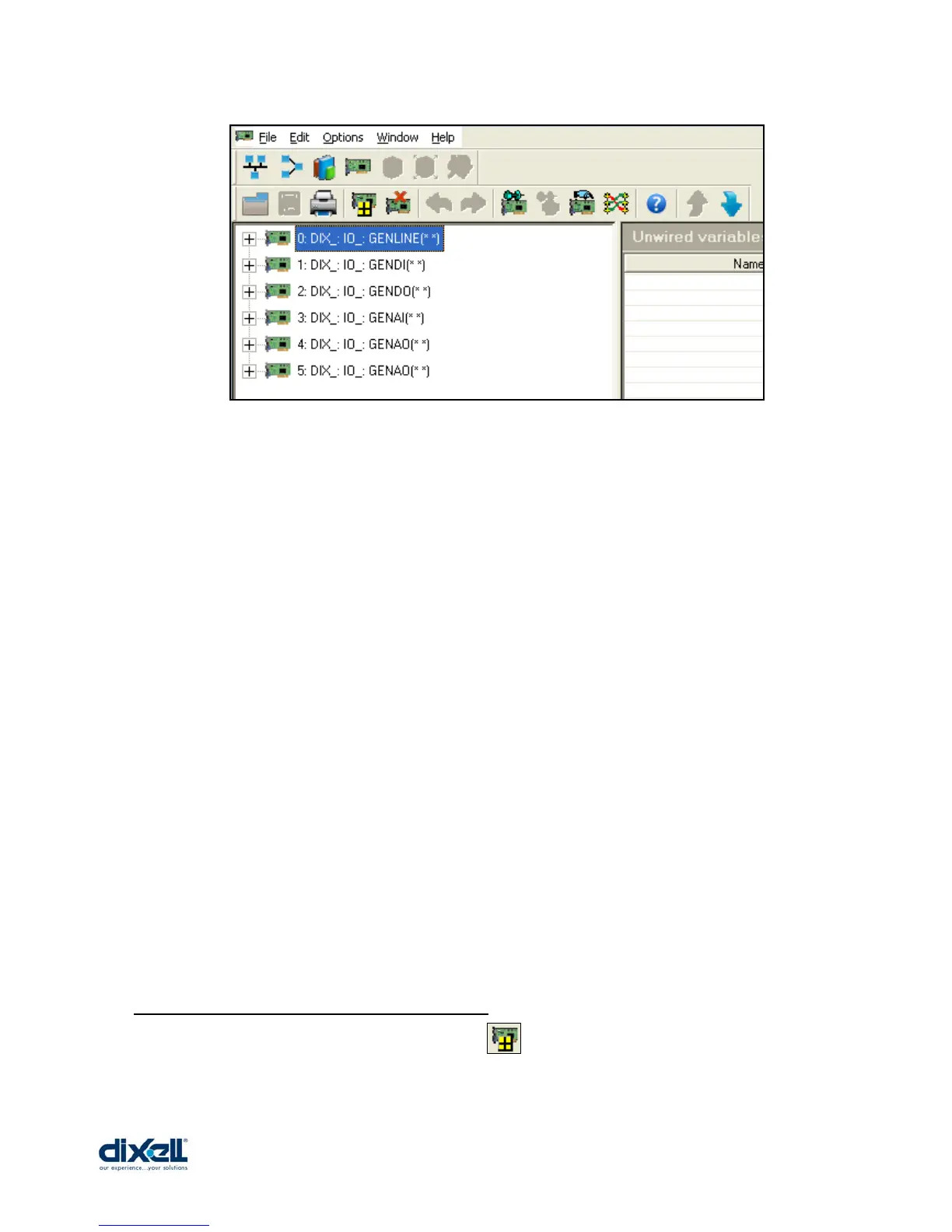
The meaning of these I/O is:
• DIX_IO_GENLINE Æ boards to configure the bus (MDB, ETH, CAN)
• DIX_IO_GENDI Æ boards to configure Digital Inputs
• DIX_IO_GENDO Æ boards to configure Digital Outputs
• DIX_IO_GENAI Æ boards to configure Analogs Inputs
• DIX_IO_GENAO Æ boards to configure Analogs Outputs
For example, I need to connect (through the RS485 Master) the iPRO with the Dixell device
“XT” to control the temperature of its probe.
The steps, necessary to do this are:
1. define the BUS (declare the GENLINE and its properties)
2. define the new board (declare the GENDI or GENDO or GENAI or GENAO)
3. define the new variables in the dictionary
4. assign the link between the variables and boards
14.2.1 Define the BUS (GENLINE board)
To add a new board GENLINE, click the icon and fill in the following table:















 To Next Page