________________________________________________________________________________________________________
1592025400 – Vers. 1.0 - 107
-
13.6 How to create a new project
When you start with a new project, there are some important suggestions to follow:
• Open VISOPROG and configure the environment:
o Language
o Connection
• Configure the PROJECT OPTIONS:
o General
o Font
o Vocabulary
o Variables
o Database of images
o Compiler file
In this way you have all the elements necessary to build your human interface for the iPRO.
It is possible to change any element of the configuration during the developing of your
project.
Now we can start to build the human interface starting from the ISaGRAF project developed
before (Regulator ON-OFF for compressor).
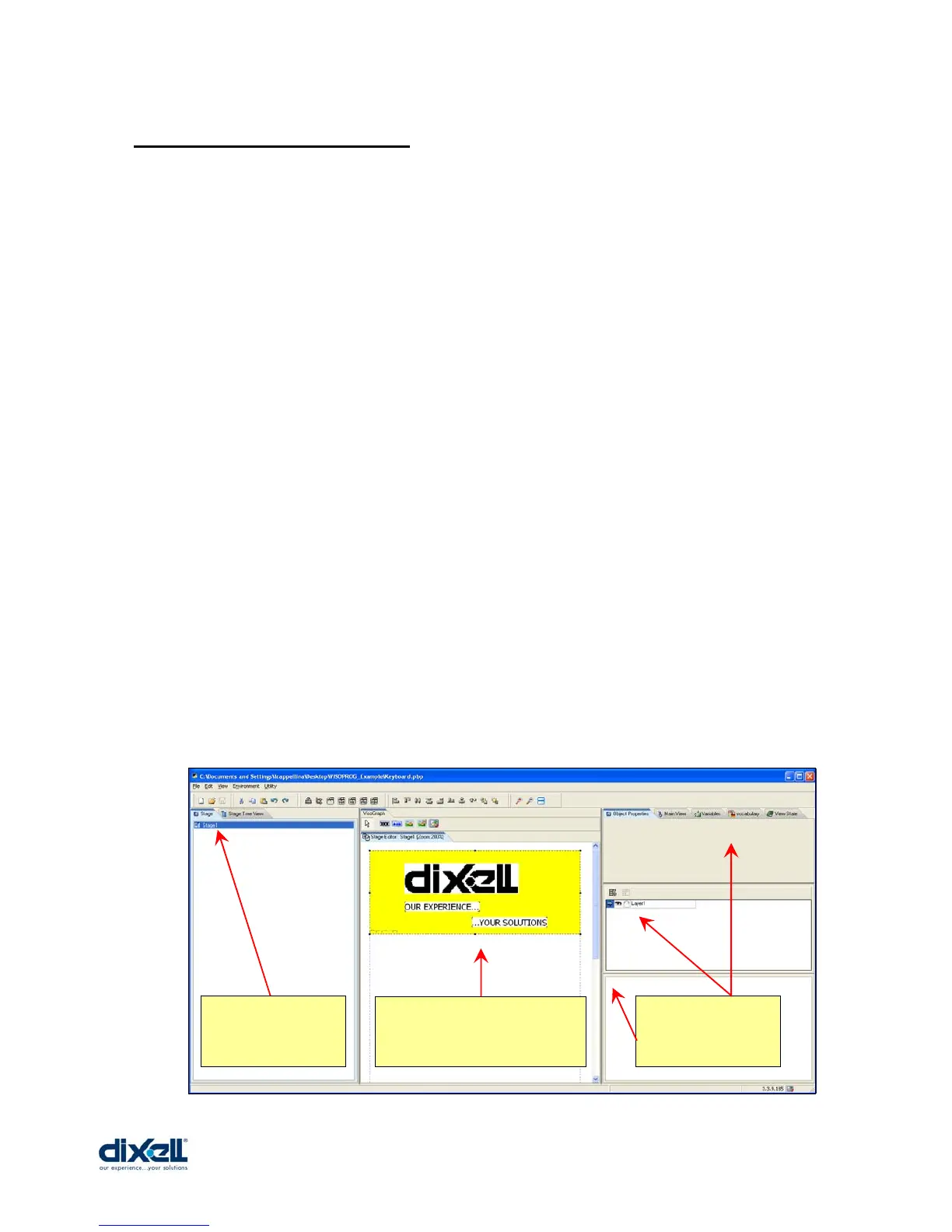
Our starting point is like here below:
Only one stage in
the tree.
This is the Stage1; only one
Image and two Labels.
No Variables, only
one Layer and no
Buttons.















 To Next Page