________________________________________________________________________________________________________
1592025400 – Vers. 1.0 - 78 -
9.2 How to transfer or copy the application/program
It is possible transfer one application, if in your computer ISaGRAF is not installed, from:
• iPRO to PC
• PC to iPRO
• USB TO iPRO
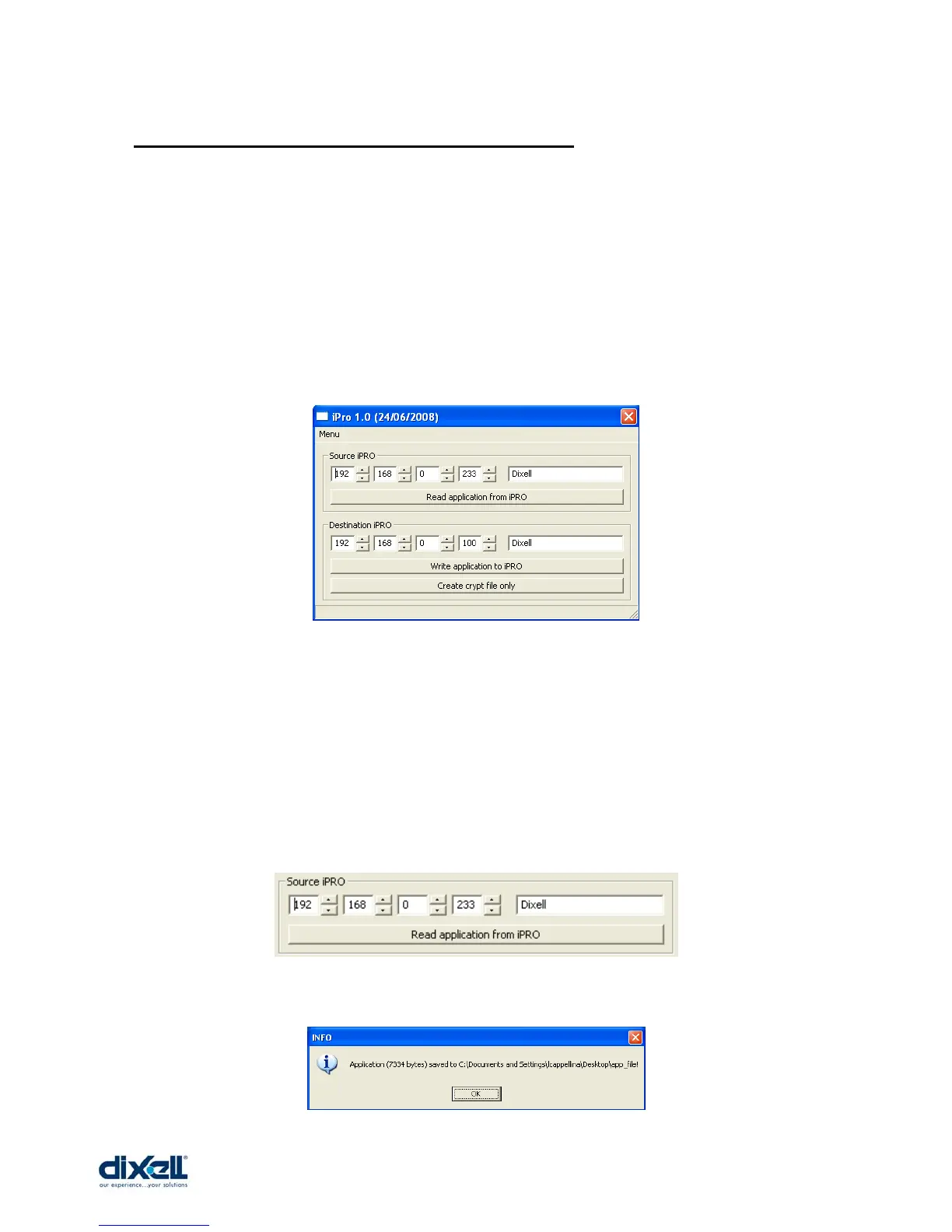
All these procedure can be done with the iPRO software tool.
• From iPRO to PC
To transfer the application from iPRO to the PC it is necessary to know the password
of application inside the iPRO; if the application is not protected the default password
is Dixell.
Write the IP address of iPRO and the password.
Then click on “Read application from iPRO”.
Save the file, for example, with the name “app_file”; the message that appear is:















 To Next Page